Find it in your plugins
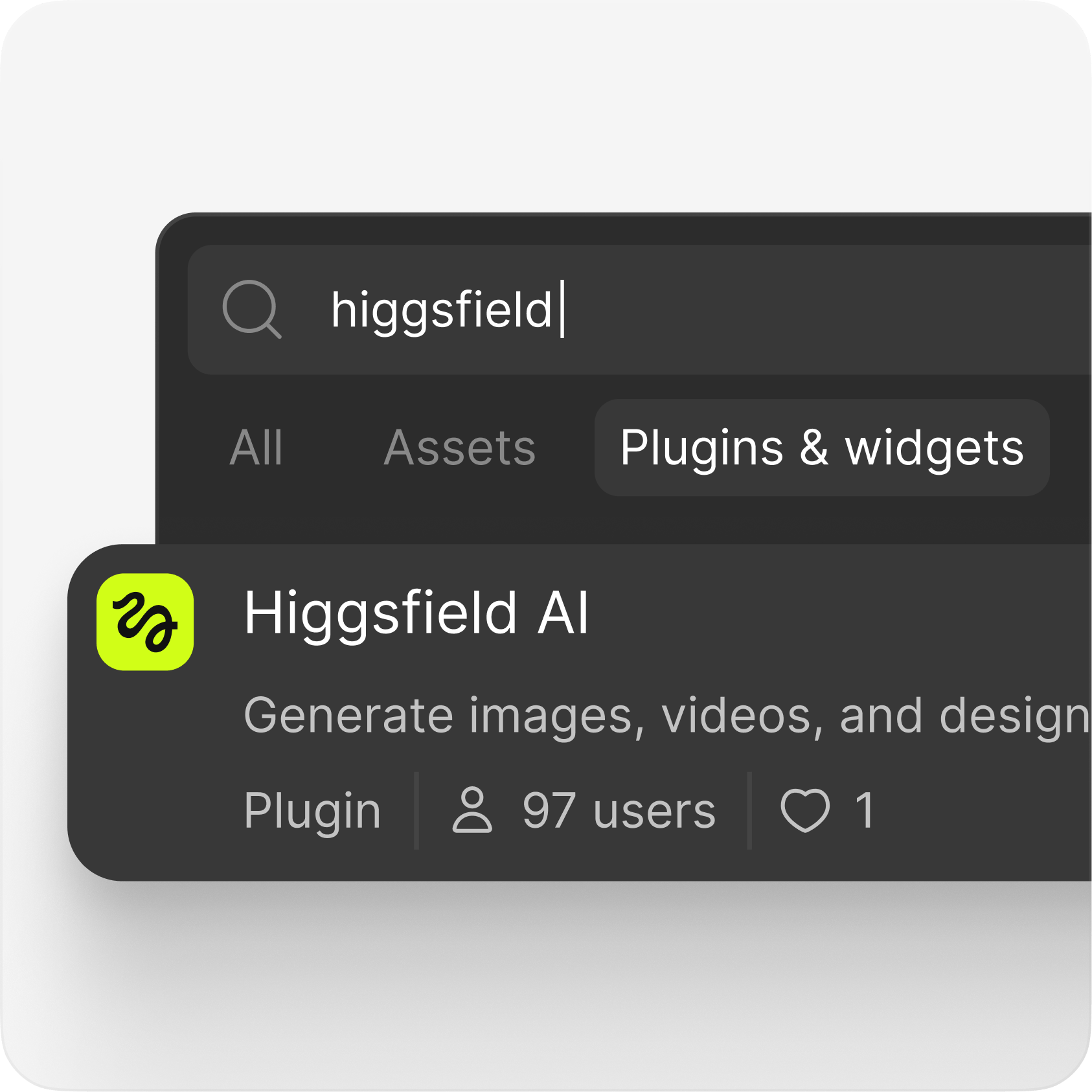
Right-click the canvas and open the Plugins menu - or use the toolbar - and search for "Higgsfield". It shows up in both Figma design files and FigJam
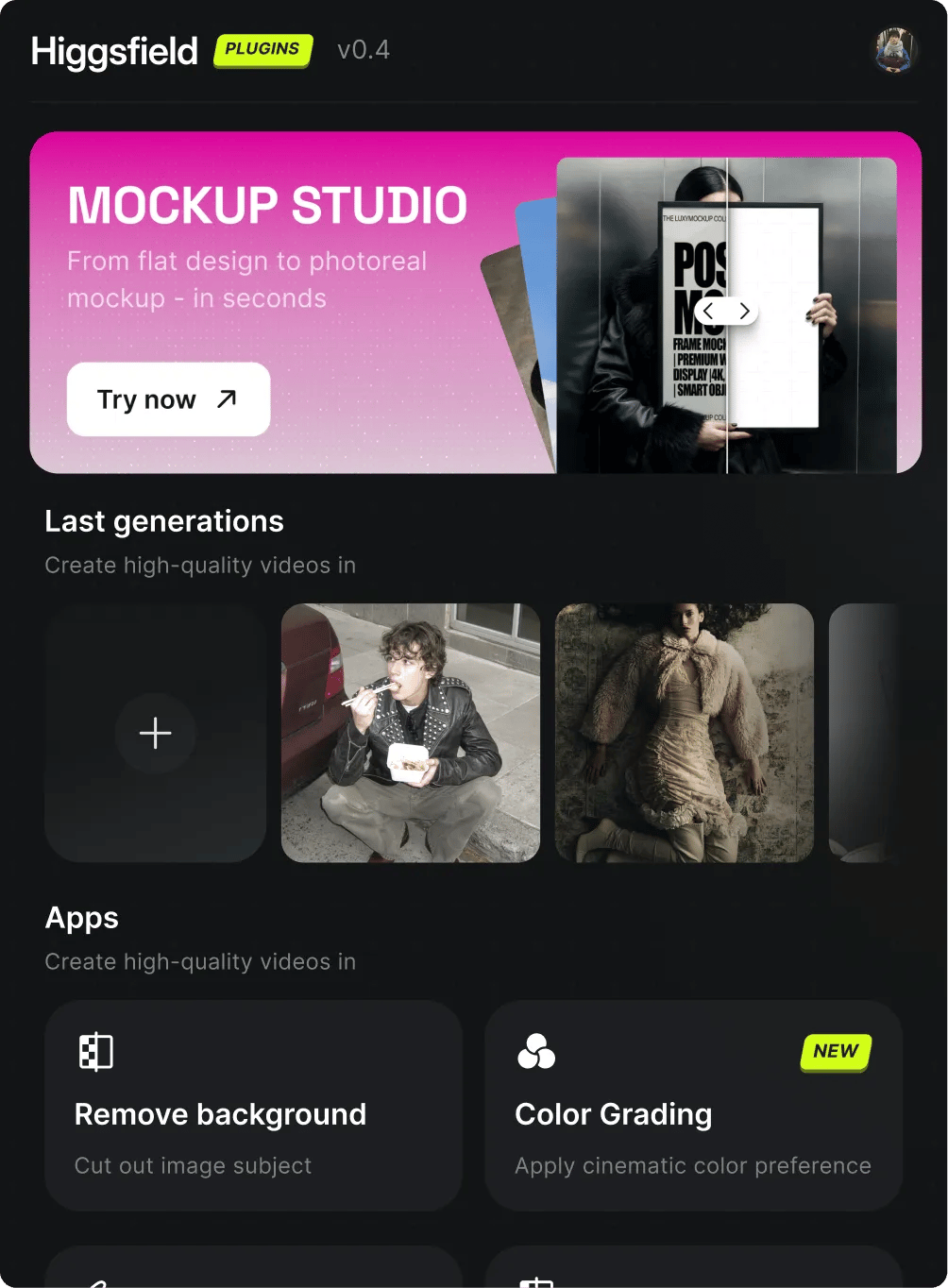
Right-click the canvas and open the Plugins menu - or use the toolbar - and search for "Higgsfield". It shows up in both Figma design files and FigJam

Open the plugin and sign in with your Higgsfield account to connect your credits - same login as the web app
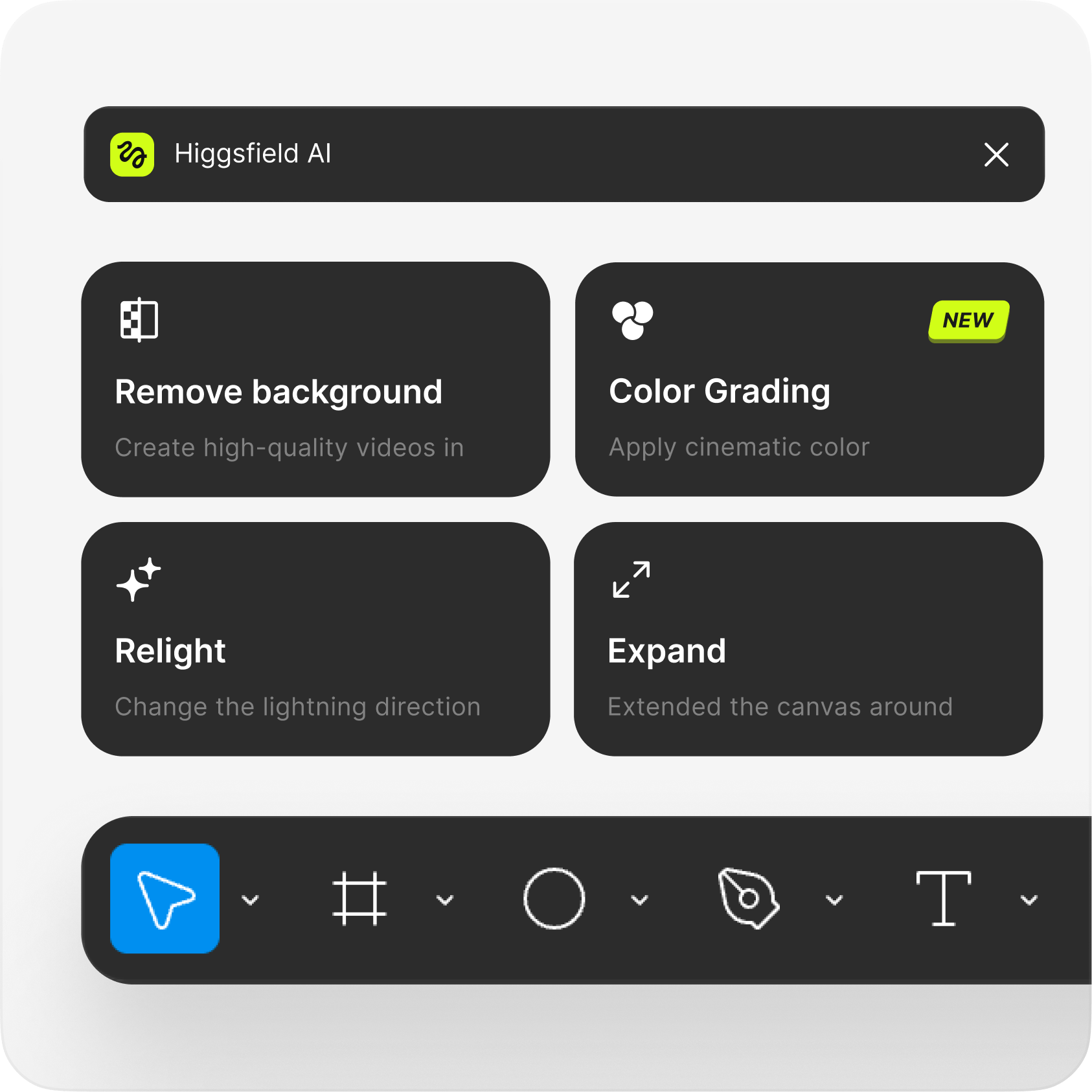
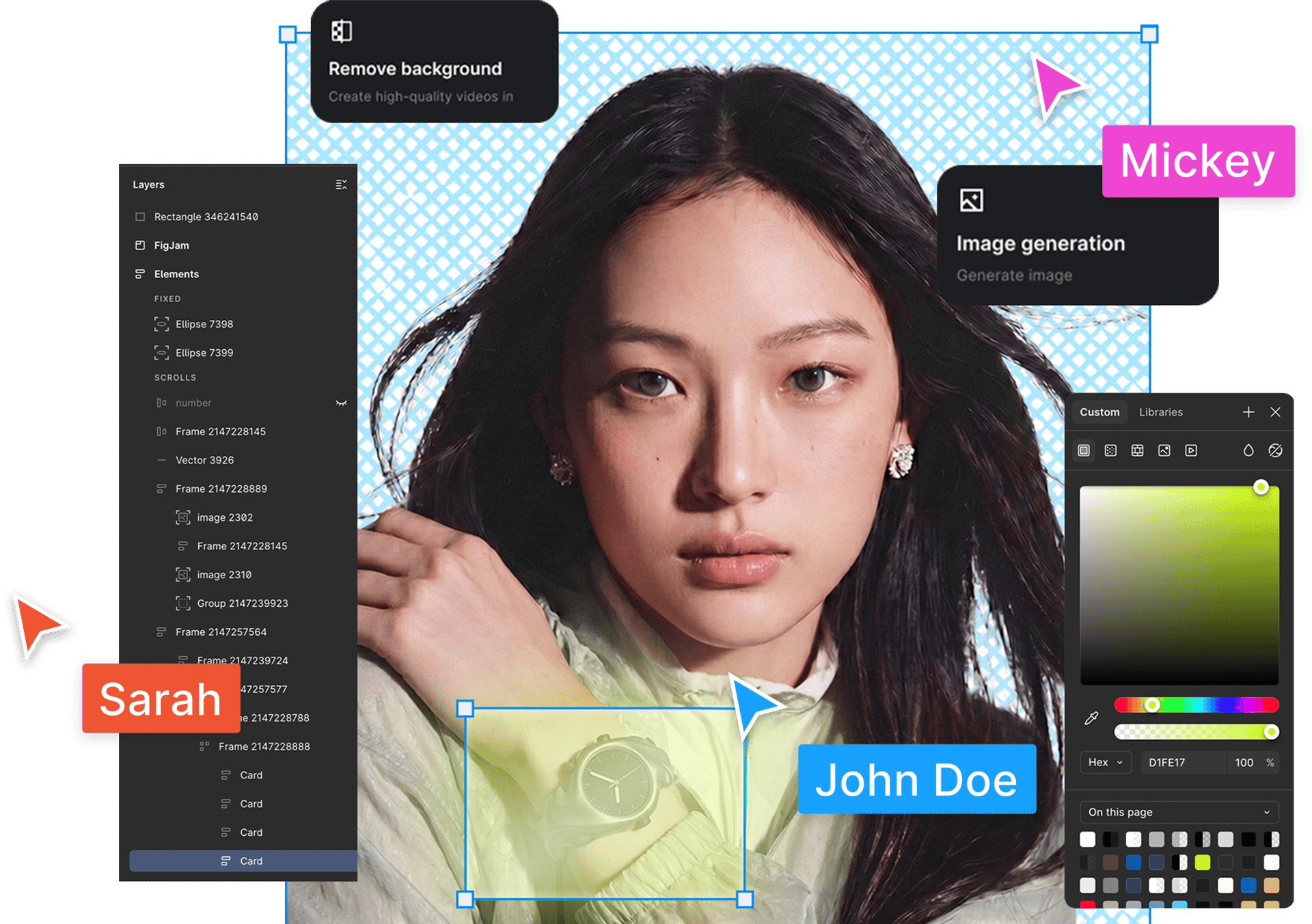
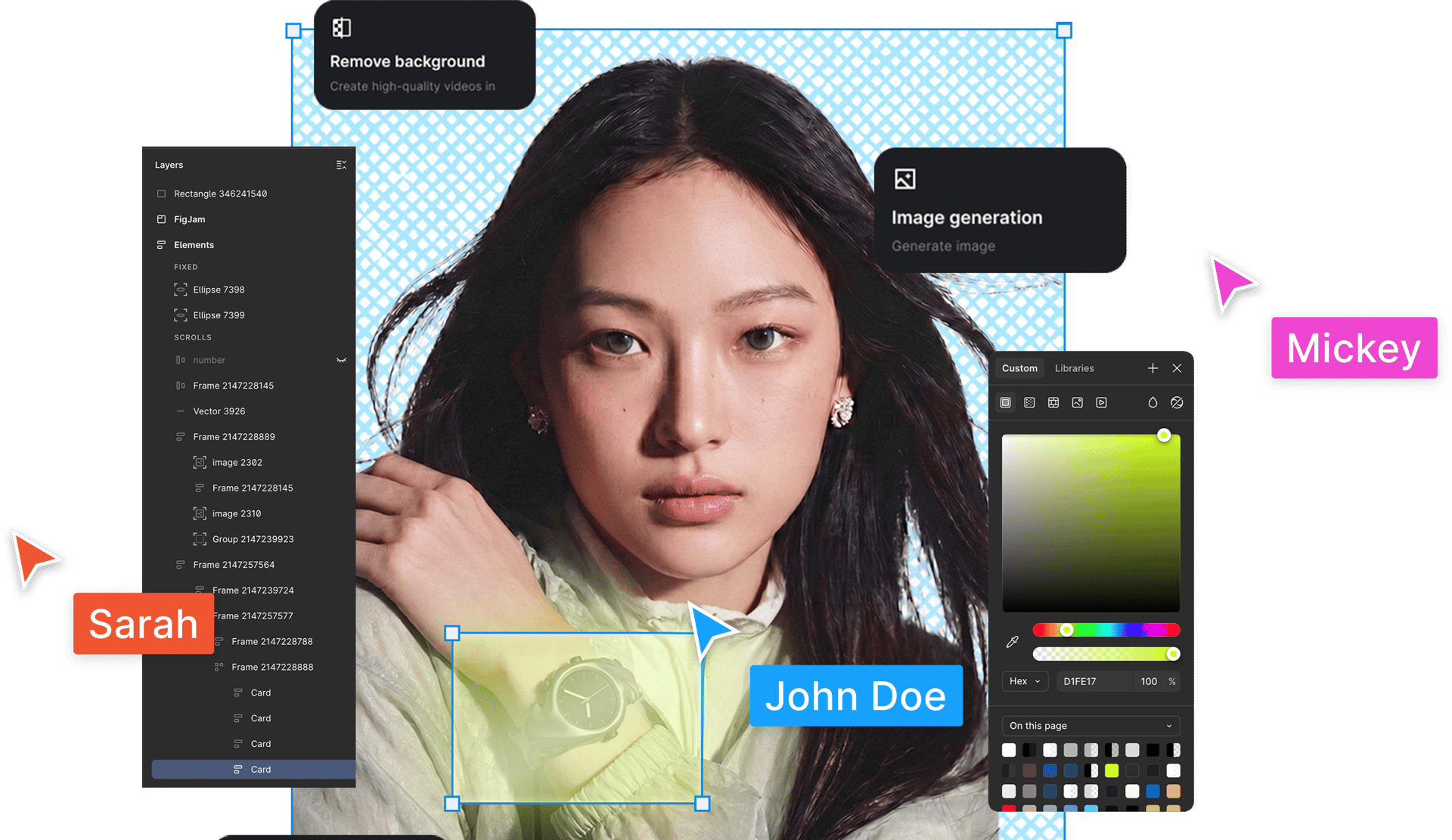
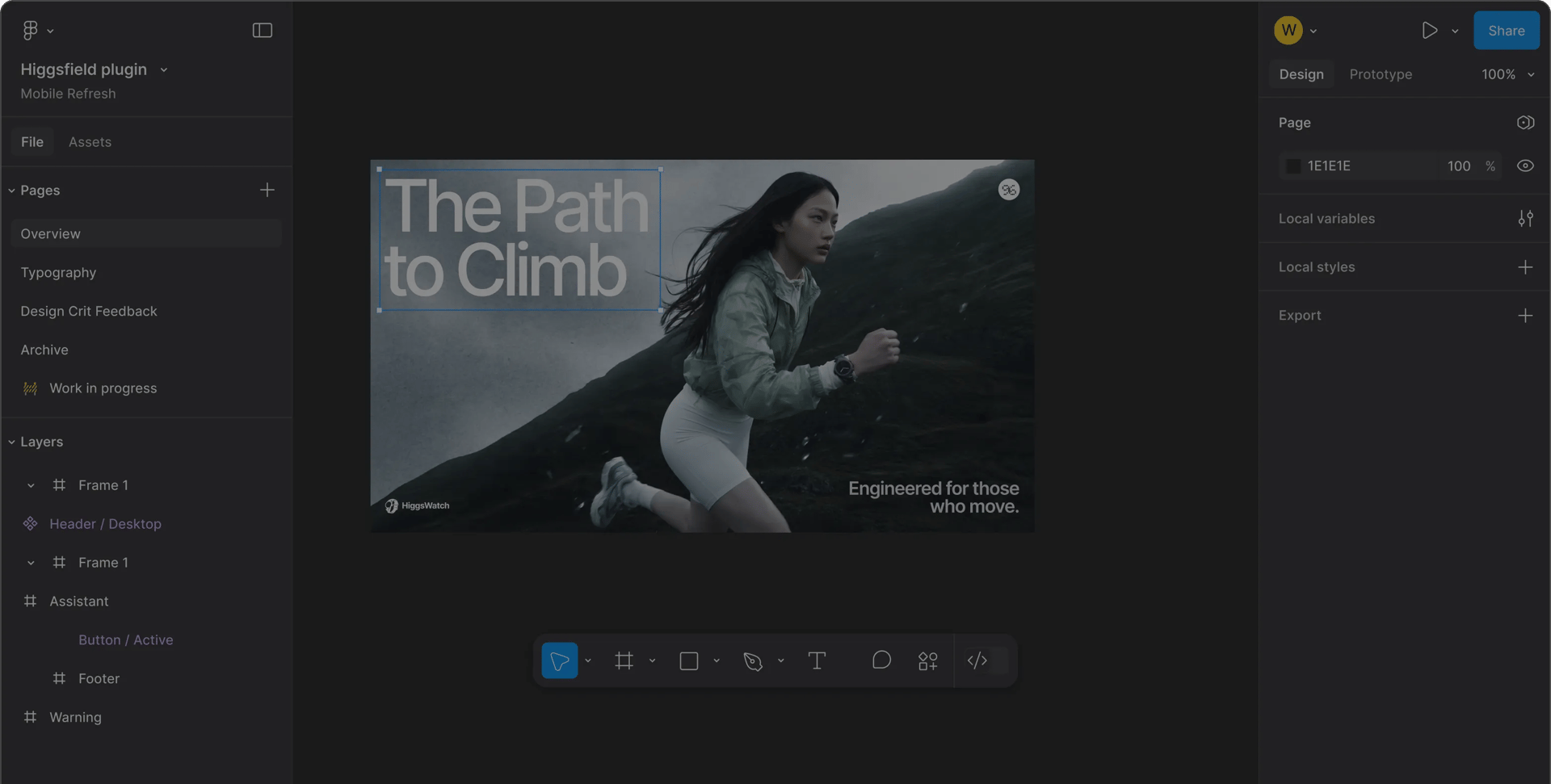
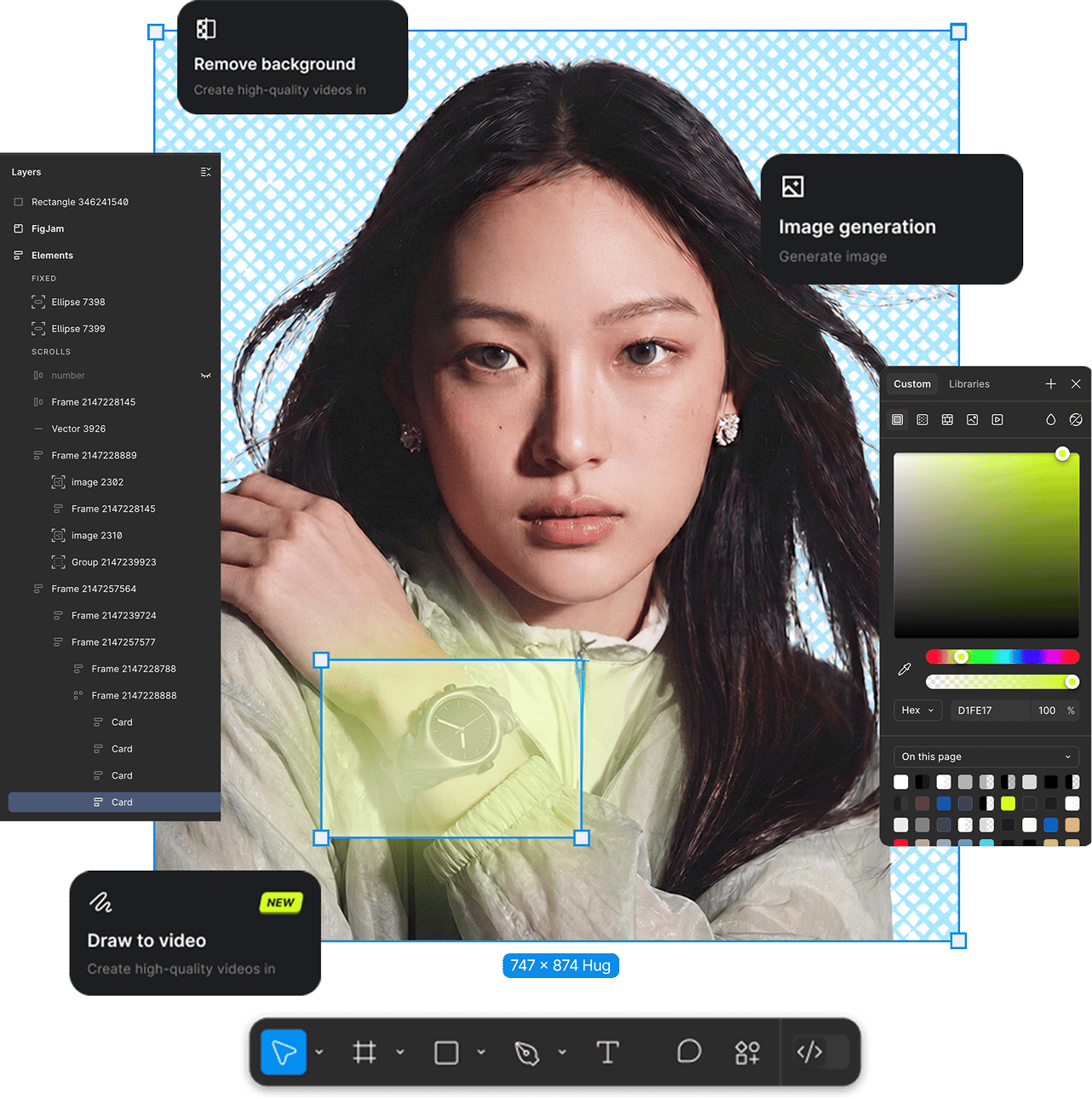
Generate images and video, or refine any image - Remove Background, Color Grading, Relight, Expand, Angles. Drops straight onto your frame
Create any clip with natural language. Create scenes, characters, B-roll, or camera moves - just describe what you want and Higgsfield drops the result straight into your Adobe timeline
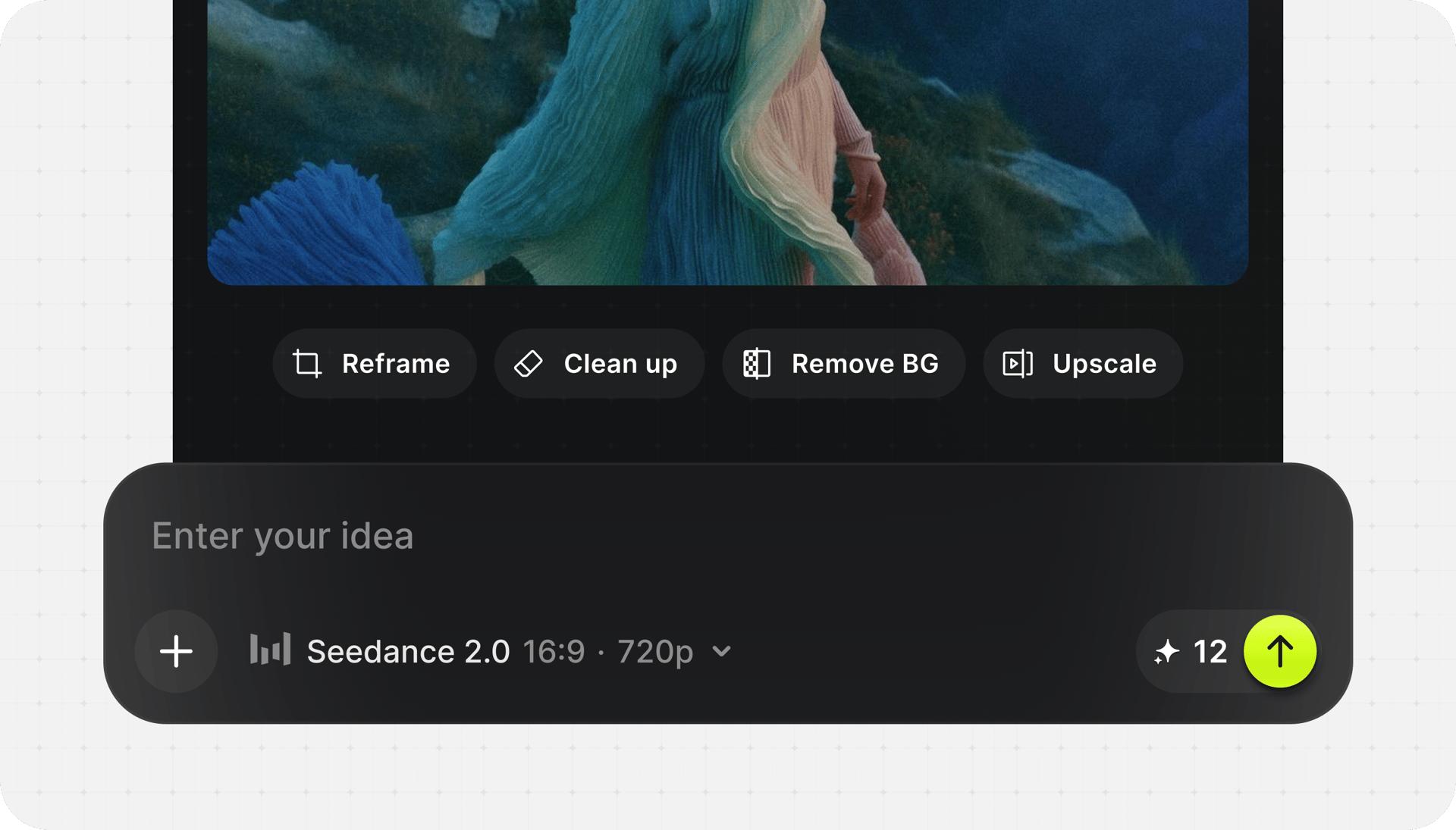
Create any clip with natural language. Create scenes, characters, B-roll, or camera moves - just describe what you want and Higgsfield drops the result straight into your Adobe timeline
Create any visual with natural language. Build backgrounds, overlays, title cards, or scene elements - just describe what you want and Higgsfield drops the result straight into your Adobe timeline
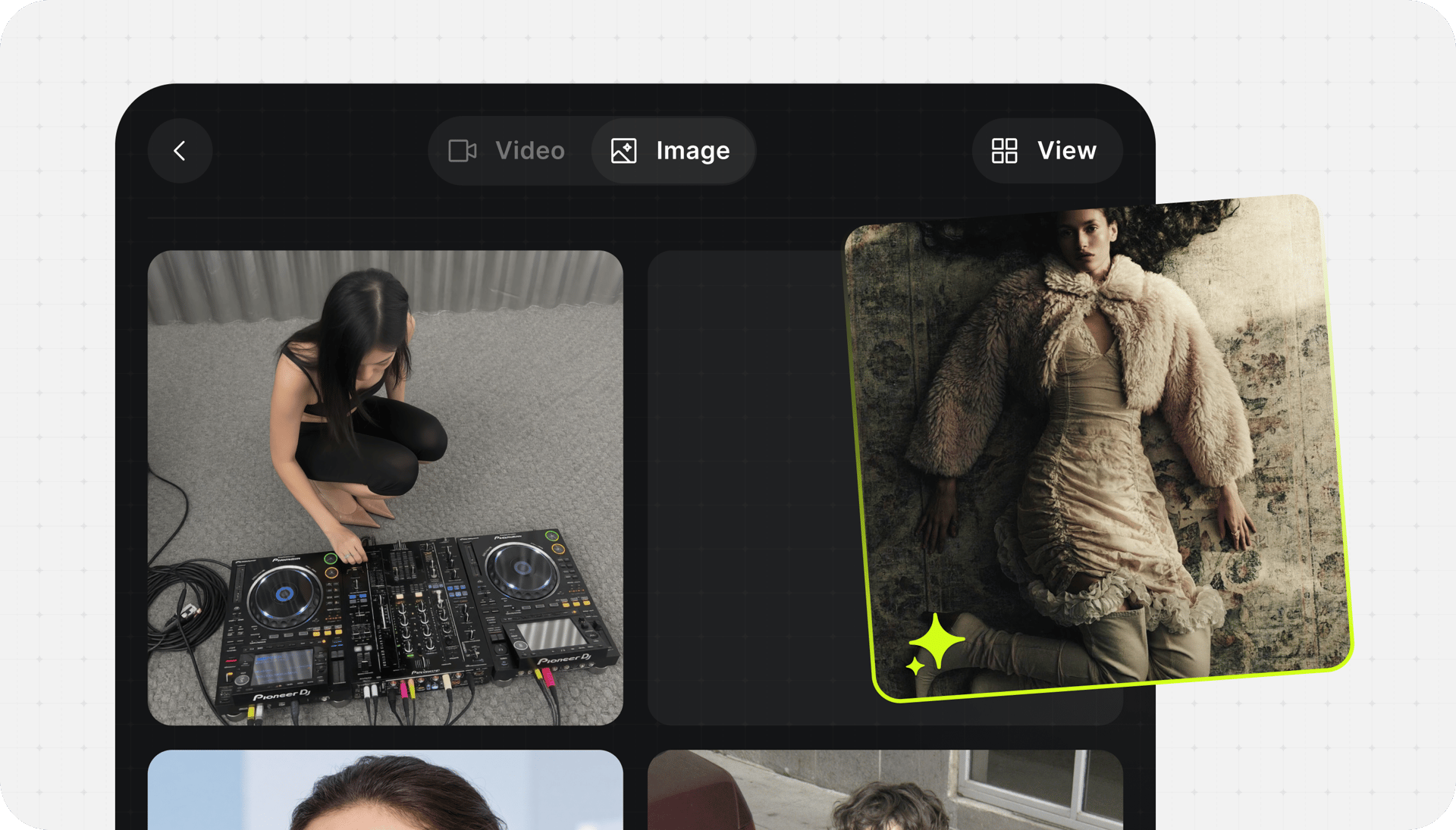
Create any visual with natural language. Build backgrounds, overlays, title cards, or scene elements - just describe what you want and Higgsfield drops the result straight into your Adobe timeline
Cut the subject out of any image with pixel-level edges - clean hair detail, transparent alpha, ready to composite. No manual masking, no round-trip to another app
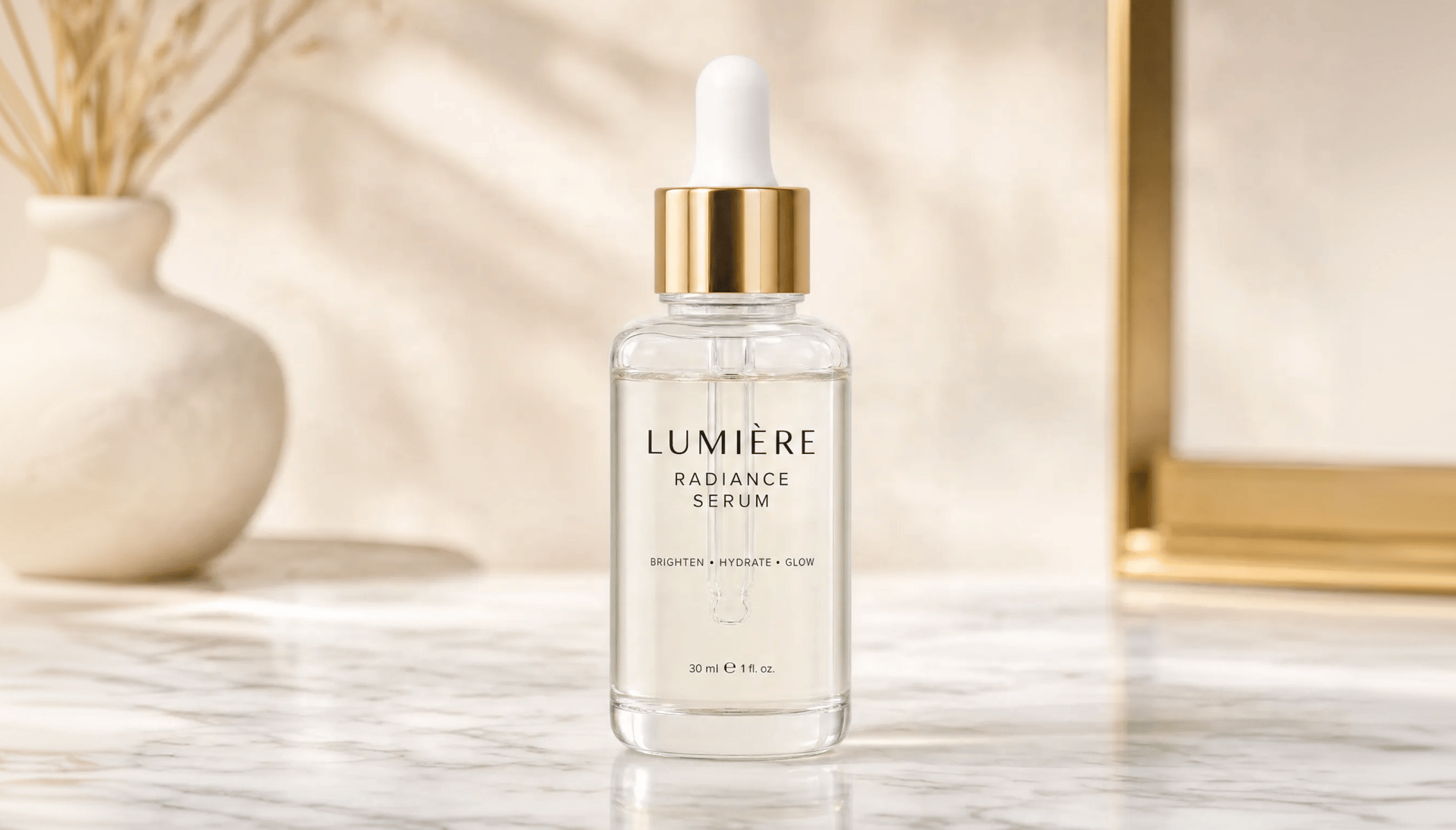
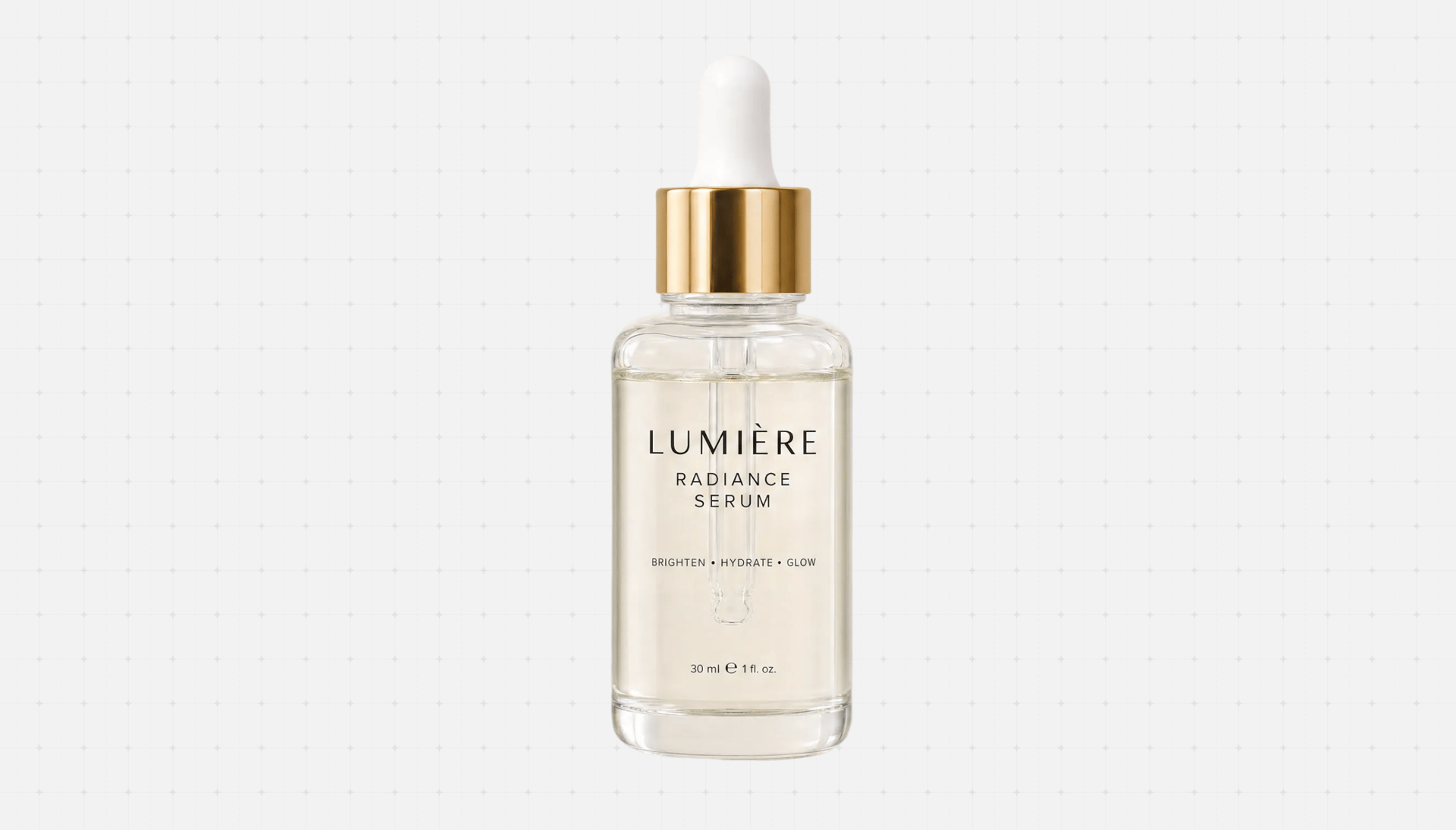
Cut the subject out of any image with pixel-level edges - clean hair detail, transparent alpha, ready to composite. No manual masking, no round-trip to another app
Change the lighting direction and tone of a shot after the fact - move the key light, warm it up, add drama. Make stock and AI images match your scene

Change the lighting direction and tone of a shot after the fact - move the key light, warm it up, add drama. Make stock and AI images match your scene
Apply cinematic color profiles to any selected image - warm, teal-and-orange, muted film, high-contrast - to lock a consistent mood across a whole frame set
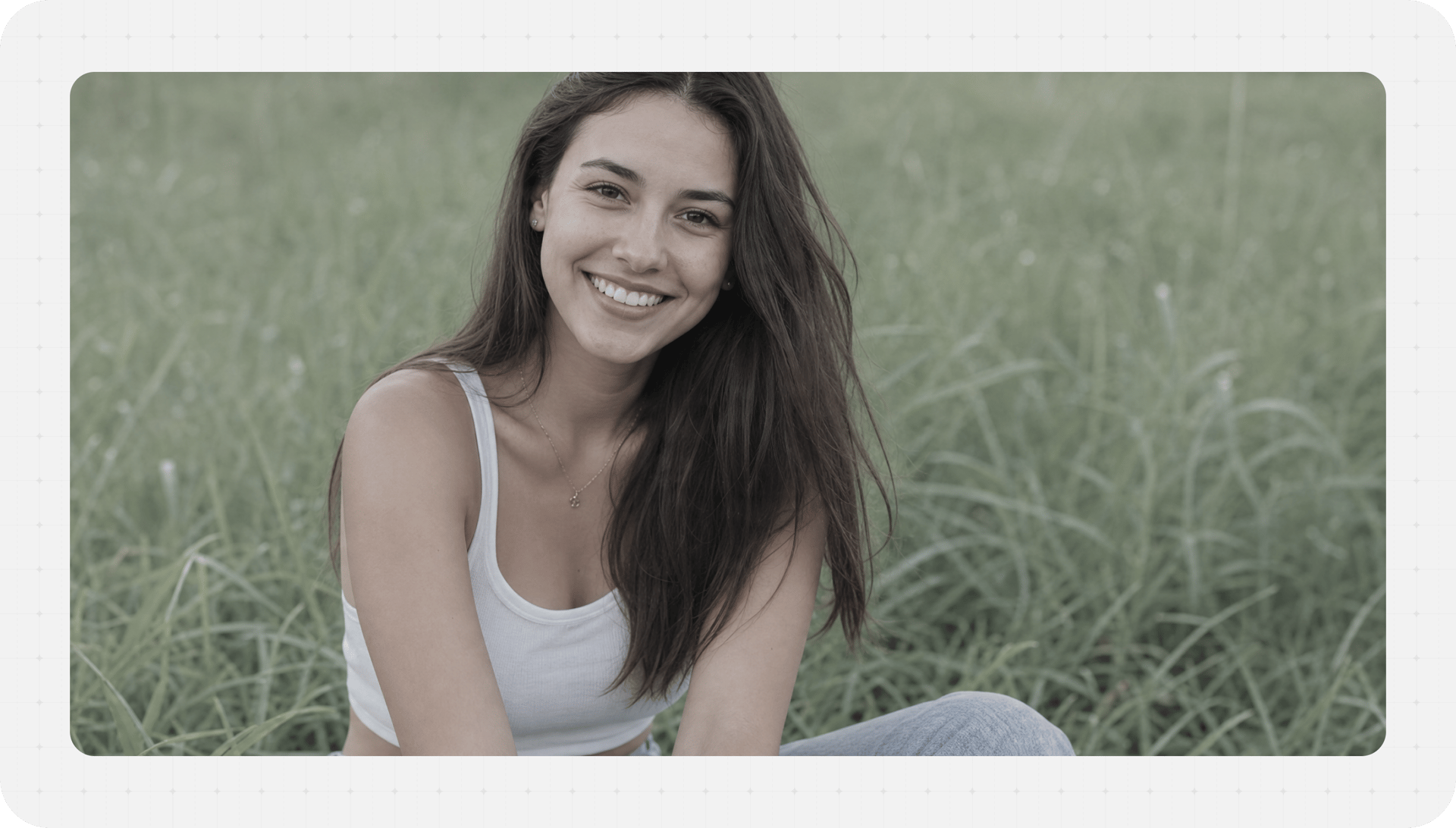
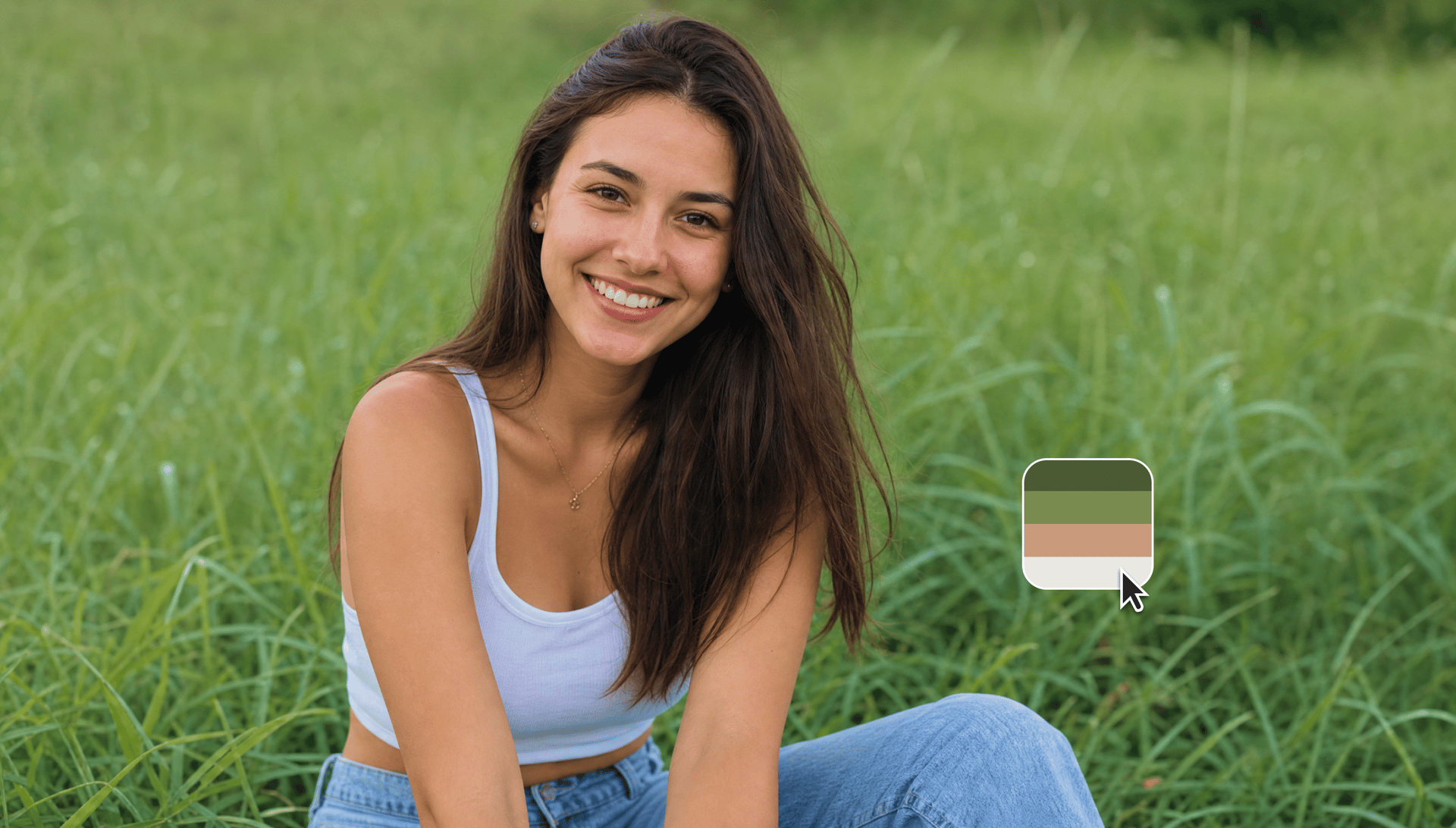
Apply cinematic color profiles to any selected image - warm, teal-and-orange, muted film, high-contrast - to lock a consistent mood across a whole frame set
Extend the canvas around an image and let Higgsfield fill the new space convincingly - turn a tight crop into a full-bleed background or change aspect ratio
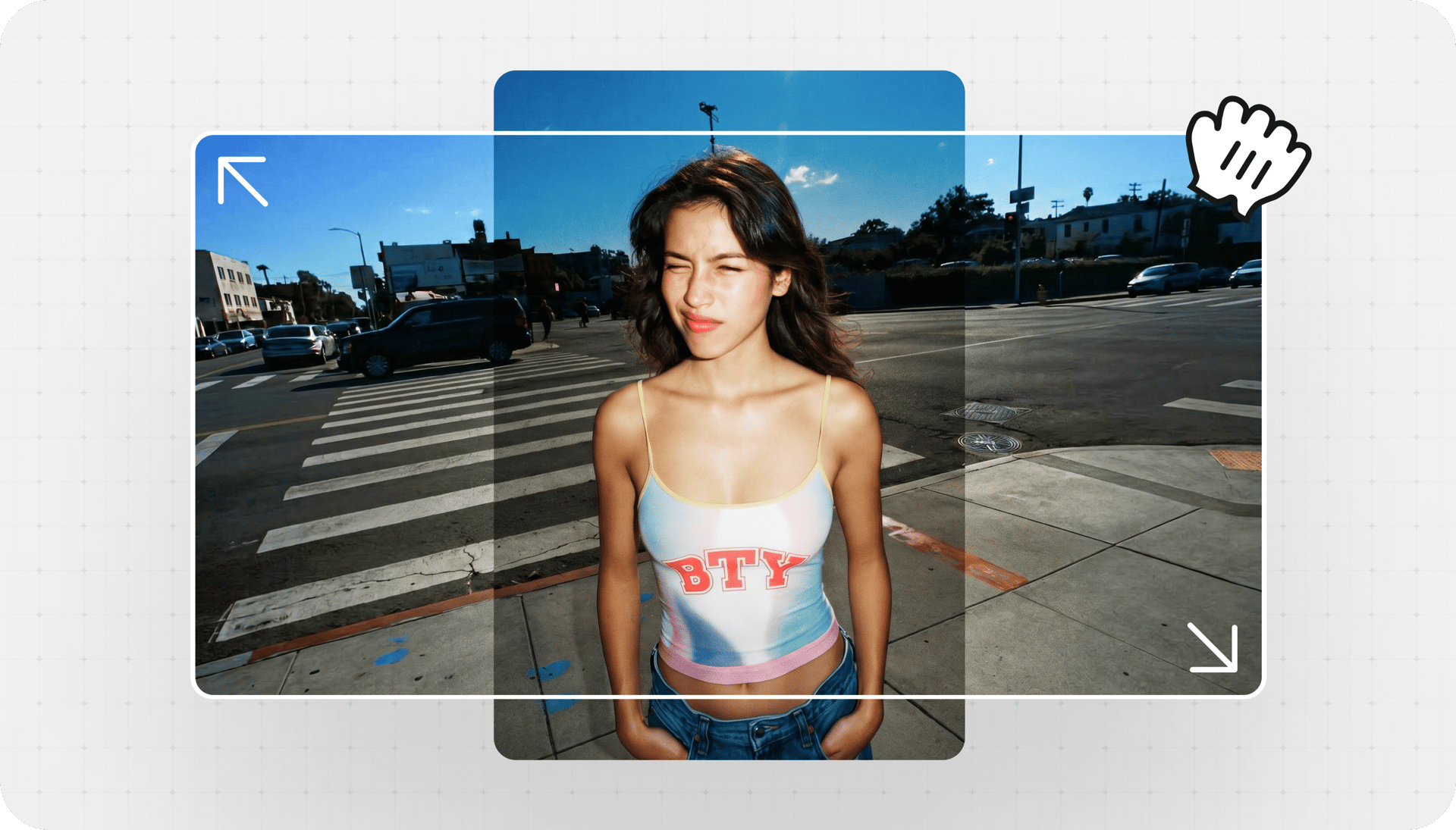
Extend the canvas around an image and let Higgsfield fill the new space convincingly - turn a tight crop into a full-bleed background or change aspect ratio
Generate new camera angles of the same subject - front, side, three-quarter - so you can build a consistent set from a single image without reshooting
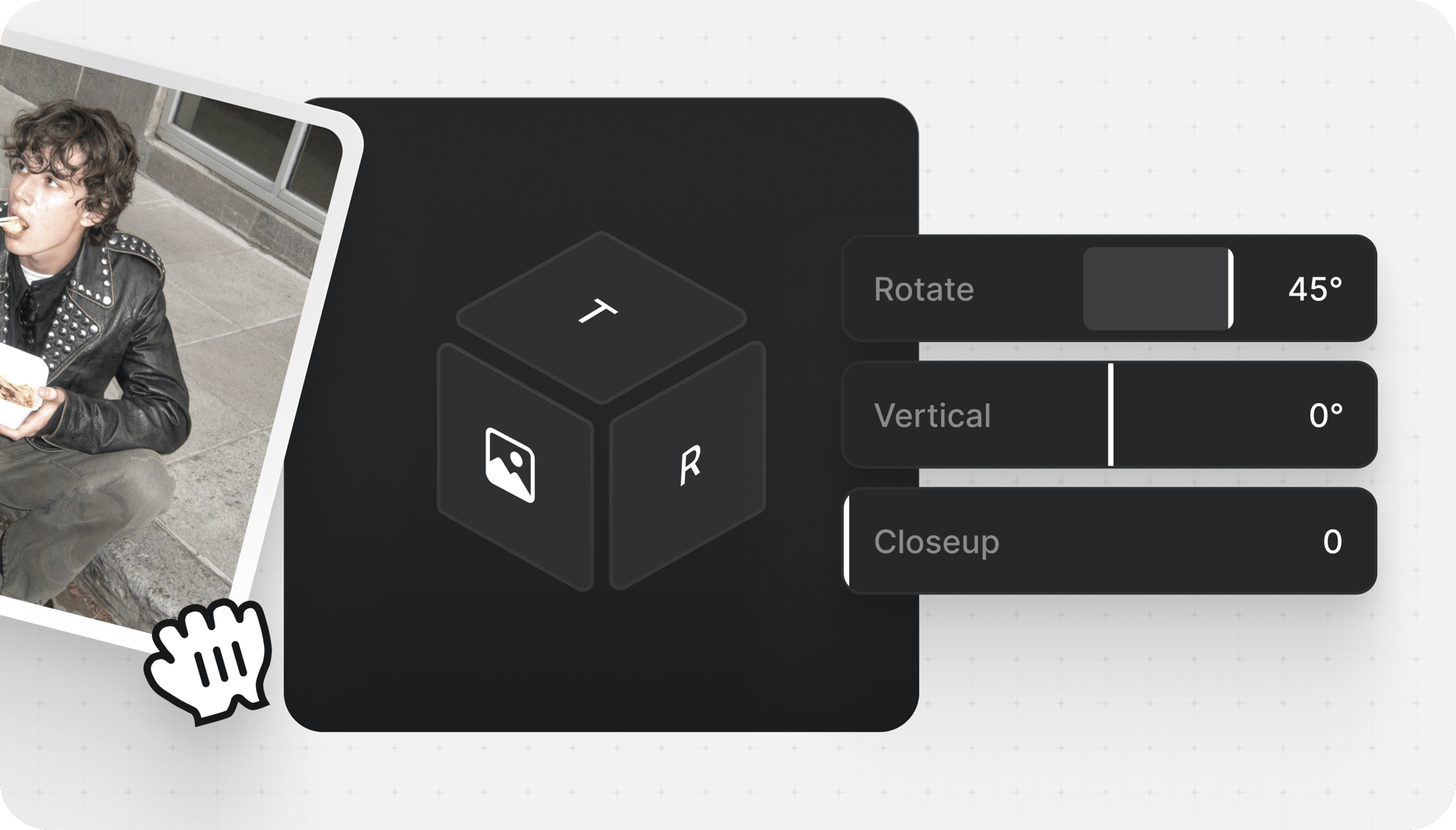
Generate new camera angles of the same subject - front, side, three-quarter - so you can build a consistent set from a single image without reshooting
Join a global creative network where people generate AI images, share ideas, and inspire each other every day.

Trusted by 5.000+ people worldwide
We’ve answered the most frequently asked questions