Download the .PKG
Click Download for macOS below. Our native installer works on both Apple Silicon and Intel - no helper app required
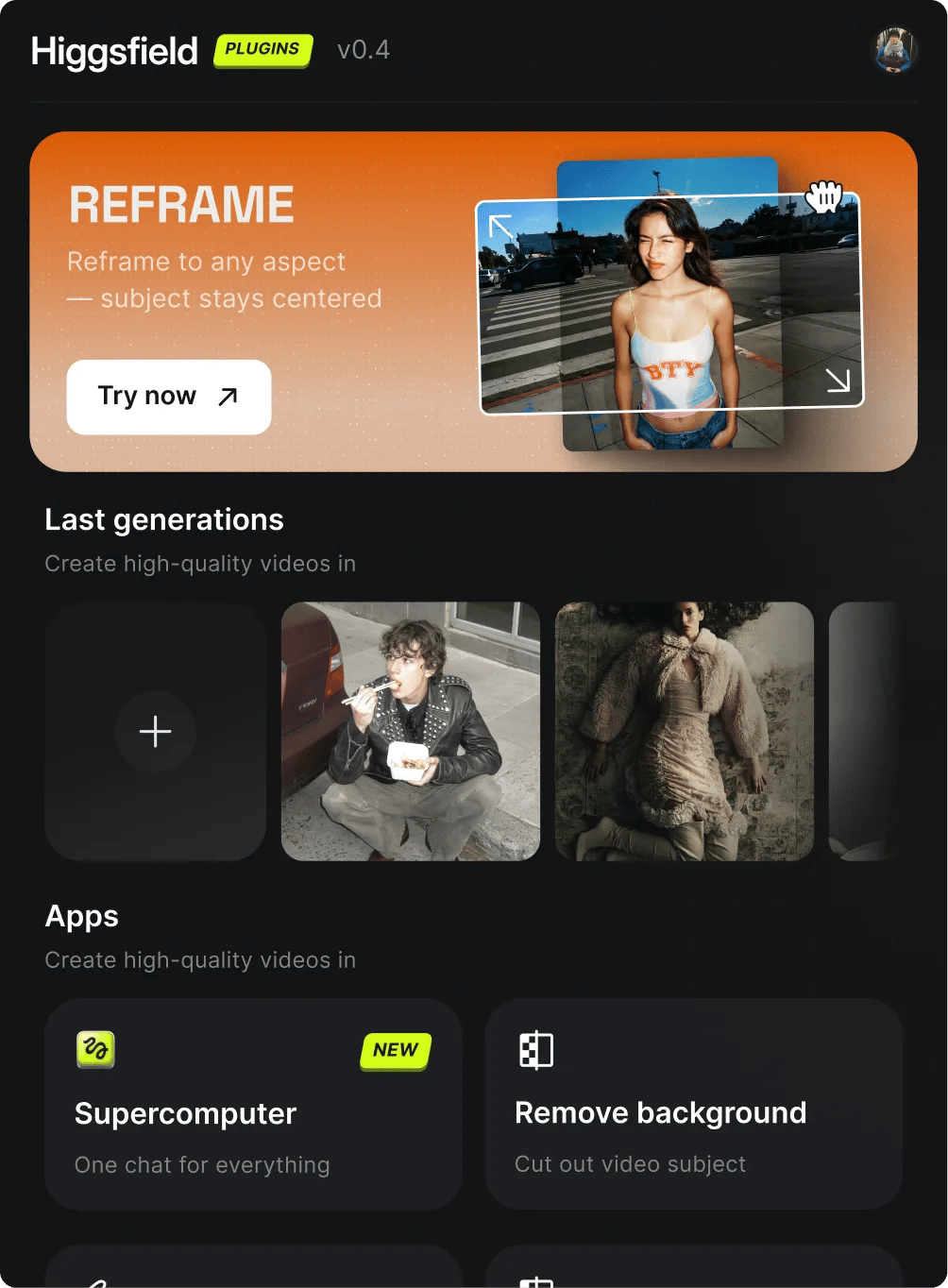
Click Download for macOS below. Our native installer works on both Apple Silicon and Intel - no helper app required
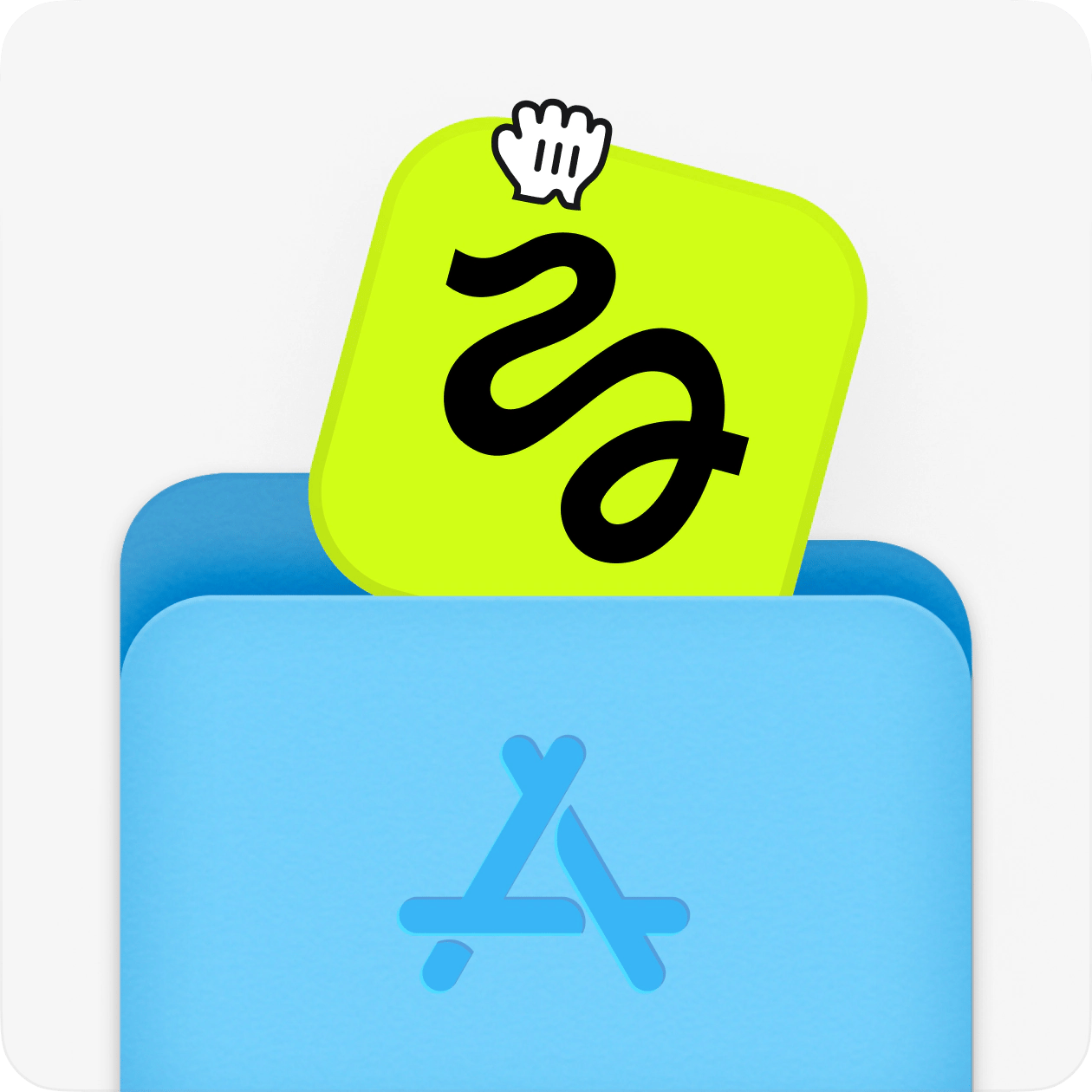
Open the .pkg, drag Higgsfield to Applications, then double-click to launch the installer. It detects DaVinci Resolve automatically
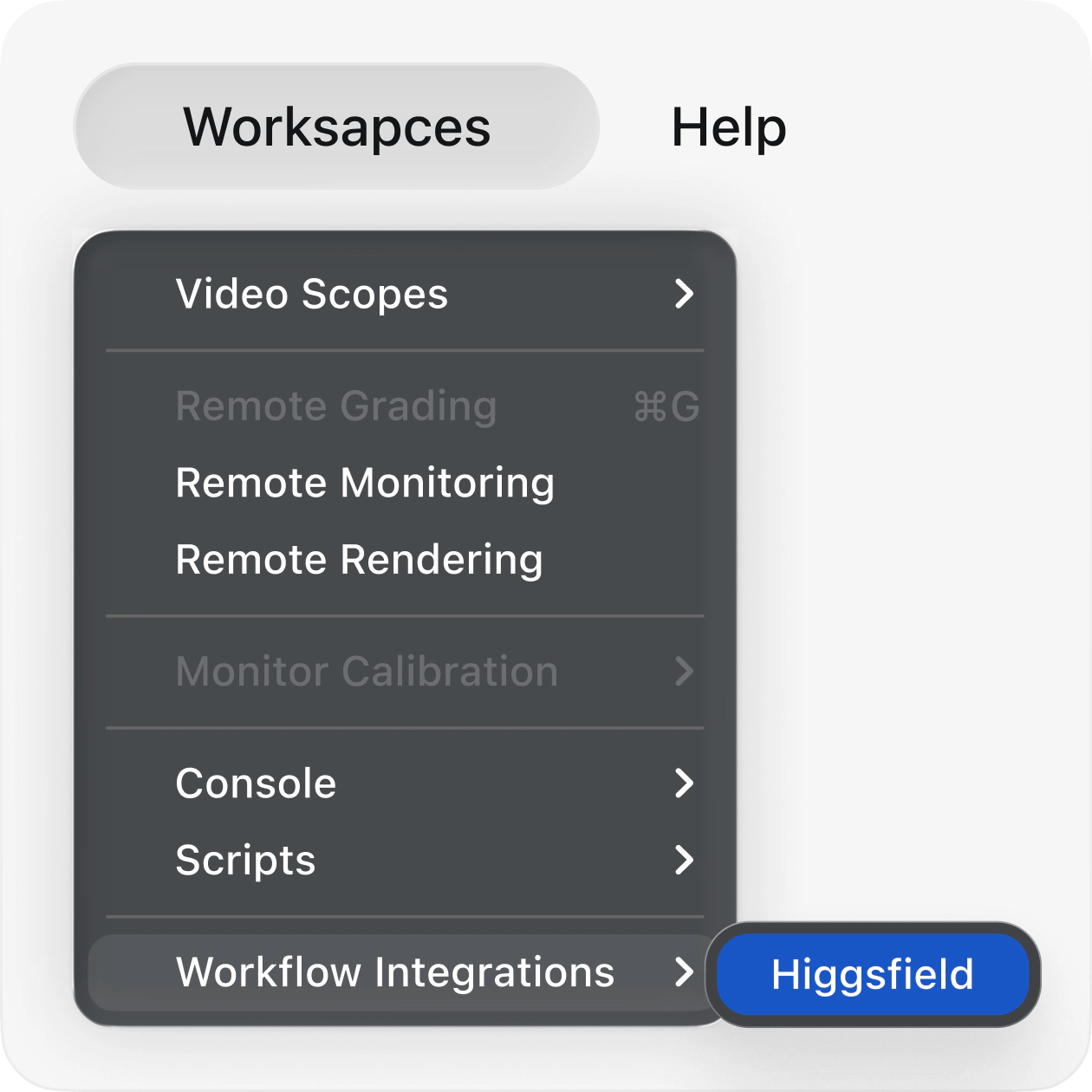
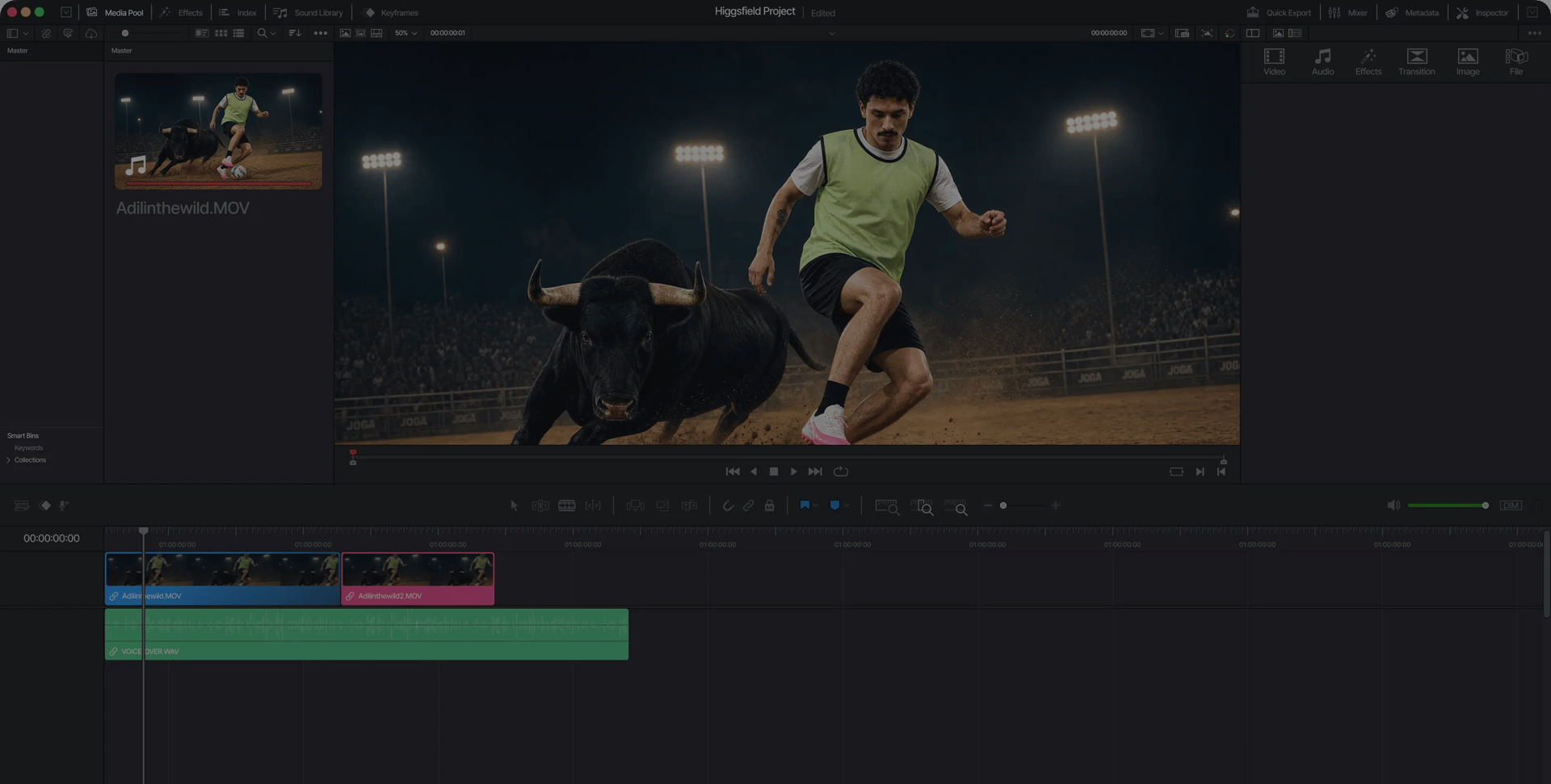
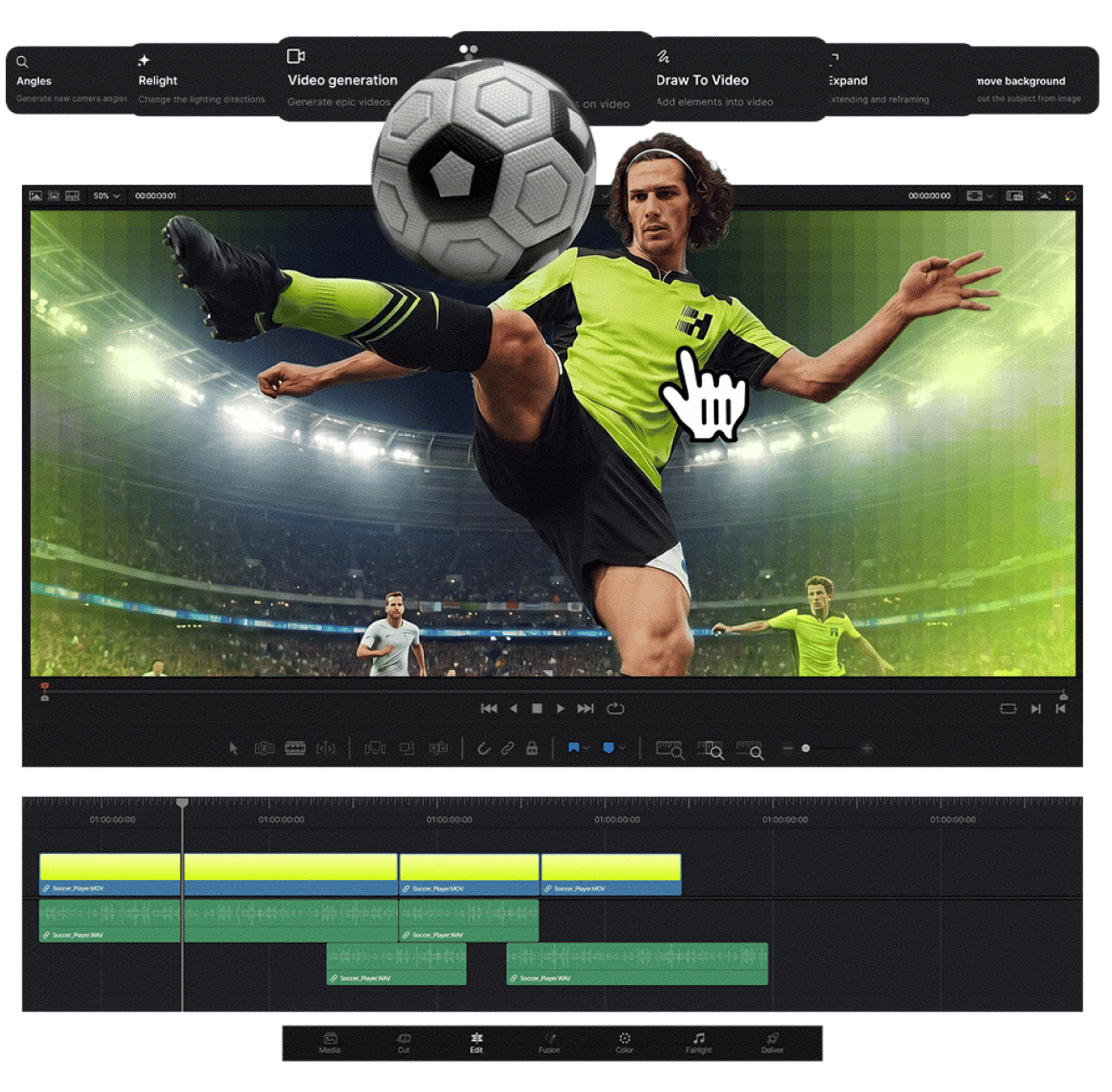
Launch DaVinci Resolve, then go to Workspace → Workflow Integrations → Higgsfield. All seven plugins are ready to use from the panel
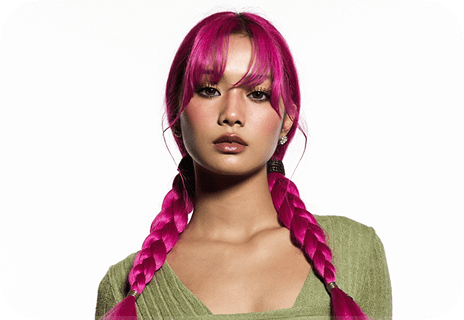
Match any look from a single reference. Drop in a frame, photo, or palette and Higgsfield recolors your footage to match it - transferring tones, contrast, and mood straight into your DaVinci Resolve timeline
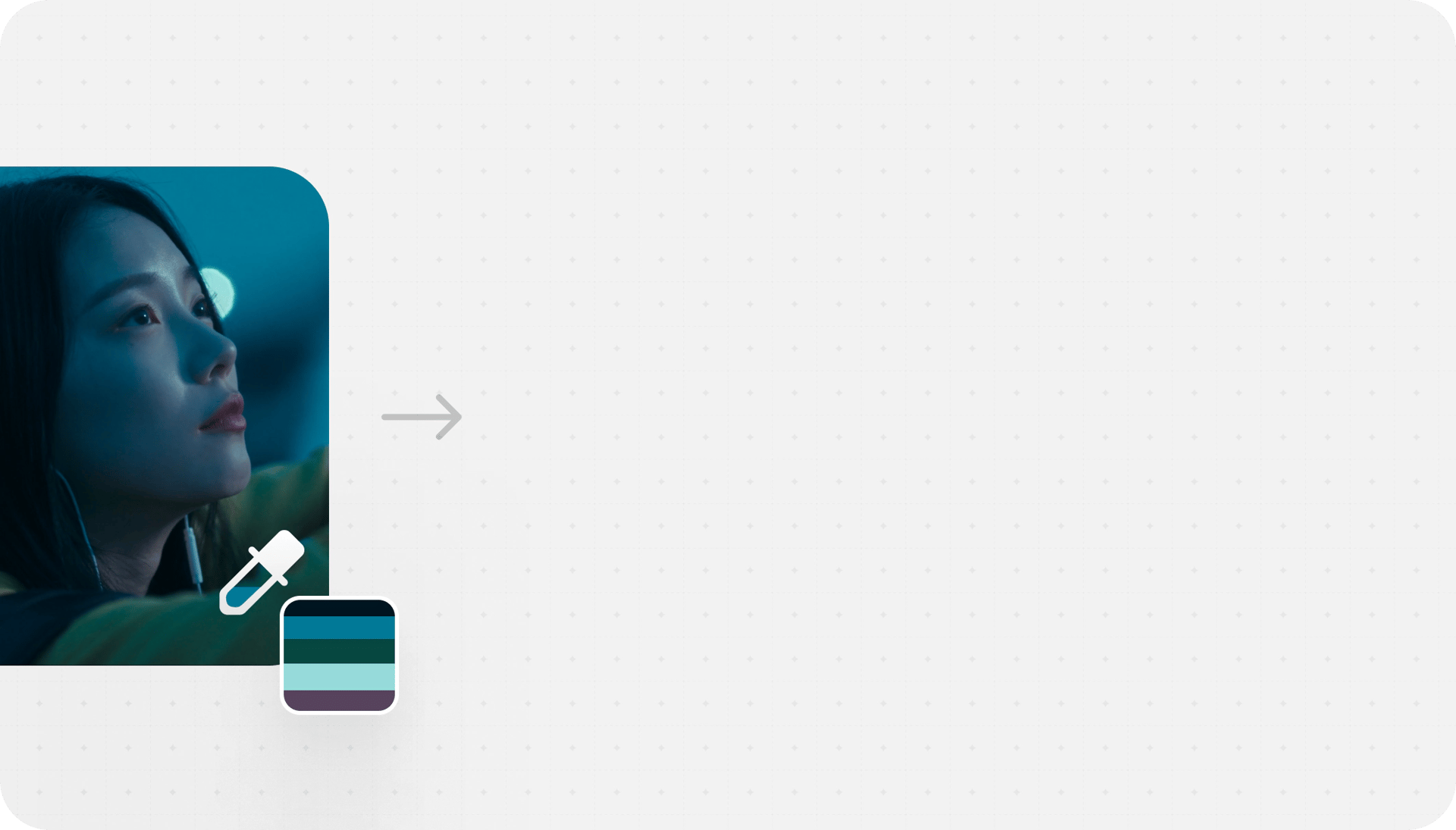
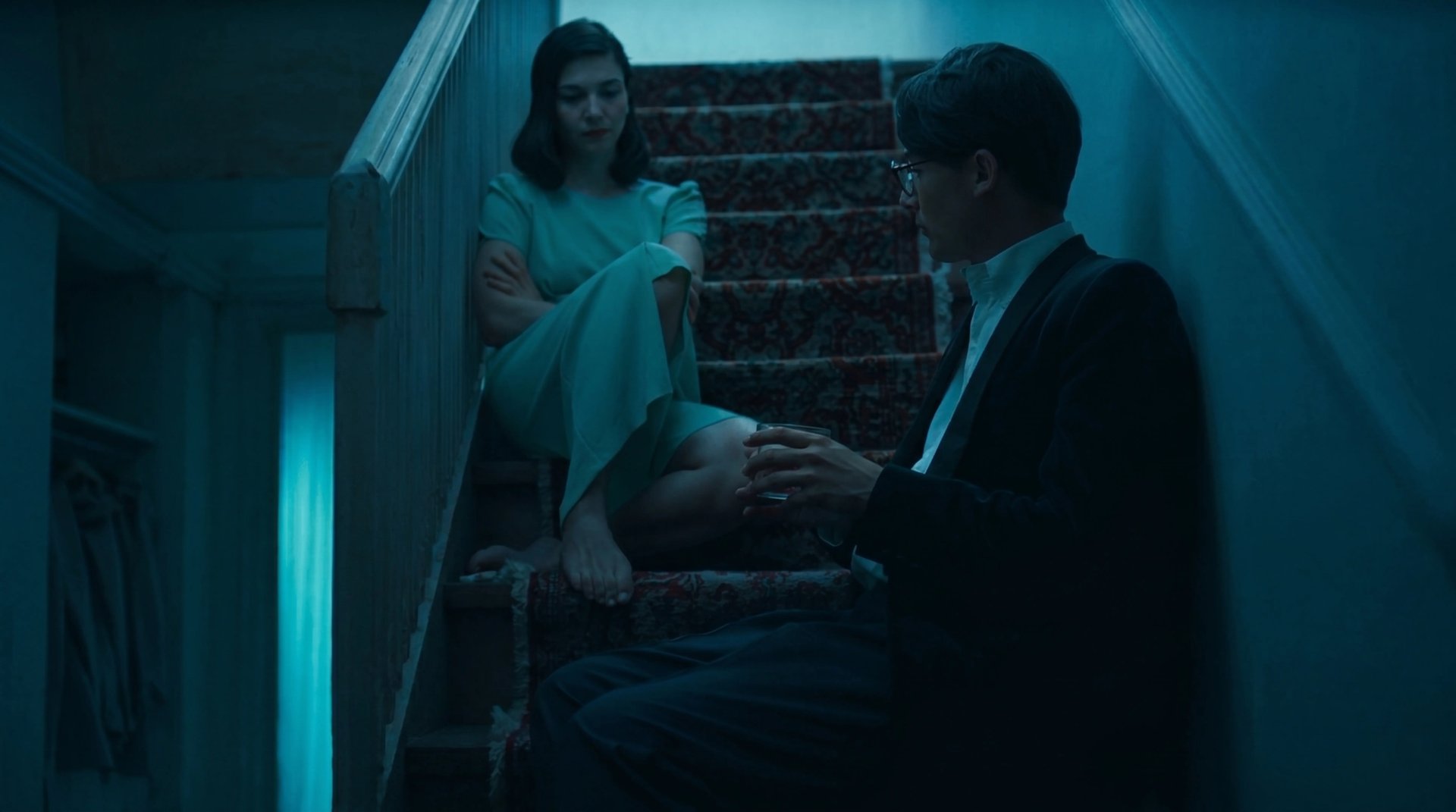
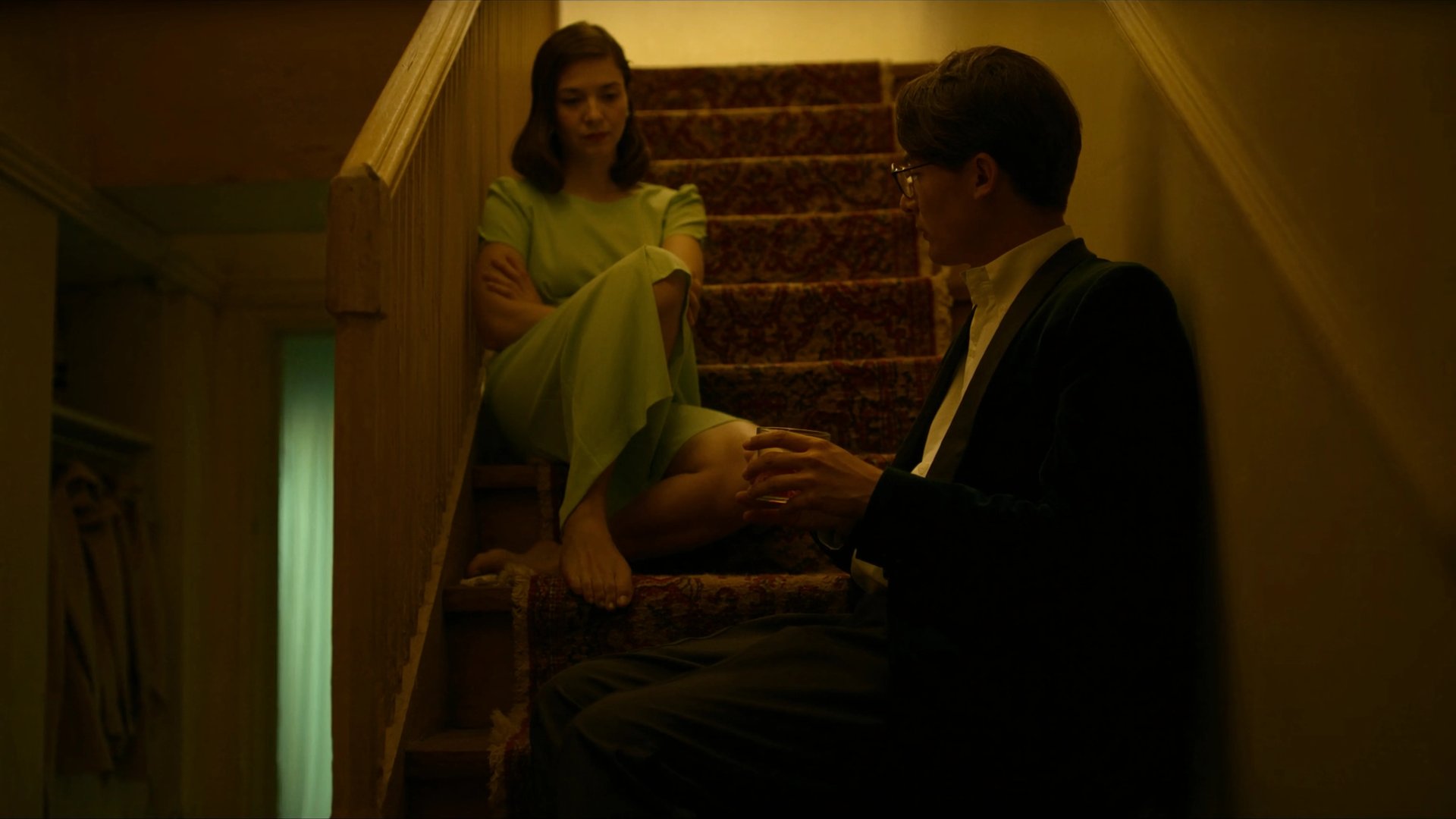
Match any look from a single reference. Drop in a frame, photo, or palette and Higgsfield recolors your footage to match it - transferring tones, contrast, and mood straight into your DaVinci Resolve timeline
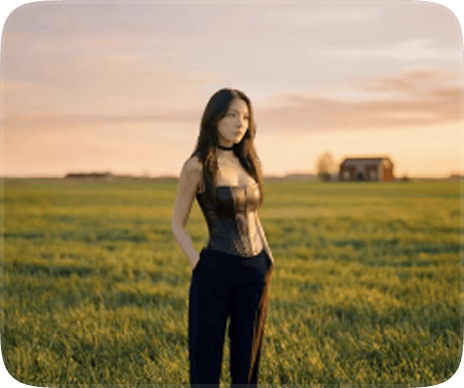
Create any clip with natural language. Create scenes, characters, B-roll, or camera moves - just describe what you want and Higgsfield drops the result straight into your DaVinci Resolve workflow
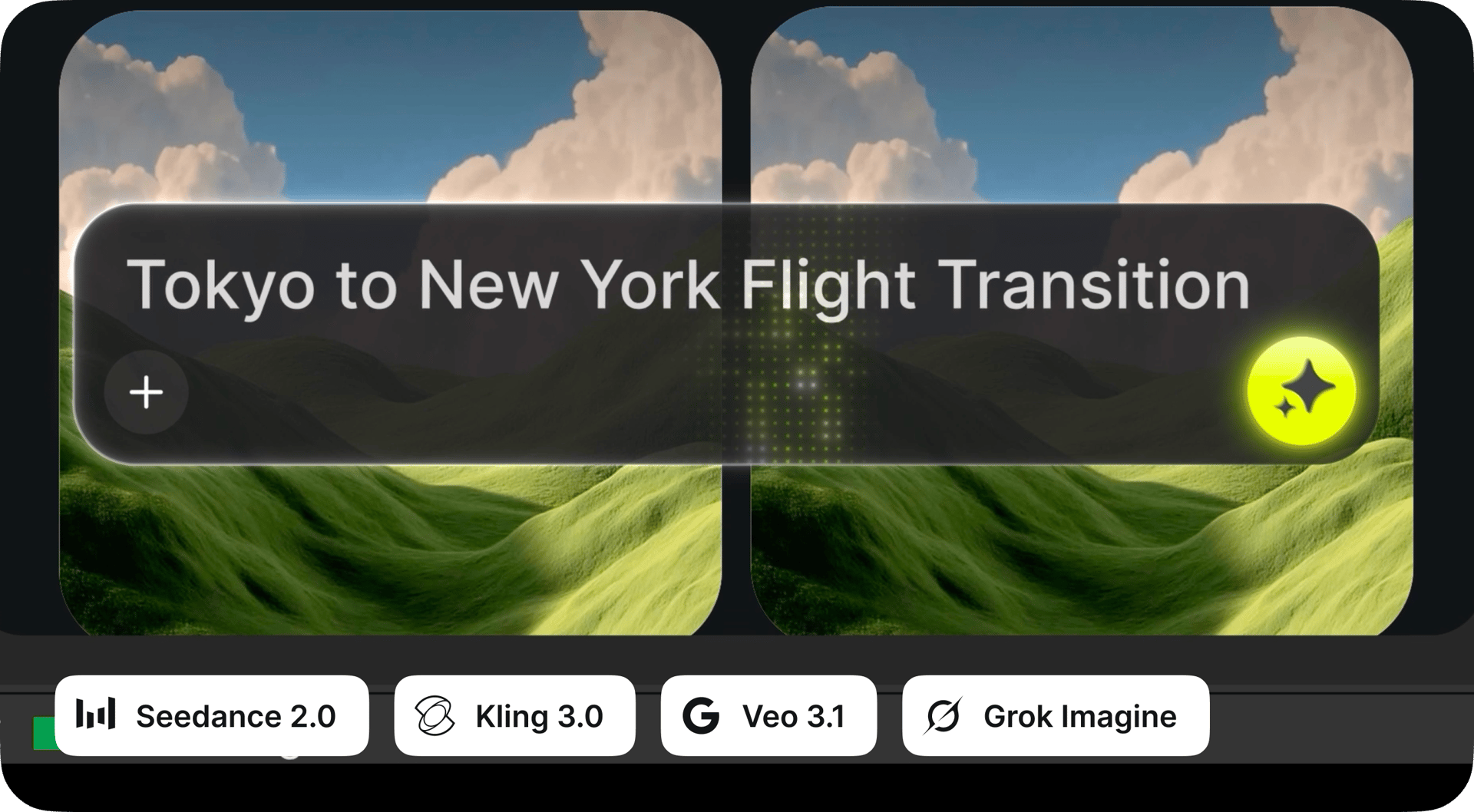
Create any clip with natural language. Create scenes, characters, B-roll, or camera moves - just describe what you want and Higgsfield drops the result straight into your DaVinci Resolve workflow
Create any visual with natural language. Build backgrounds, overlays, title cards, or scene elements - just describe what you want and Higgsfield drops the result straight into your DaVinci Resolve workflow
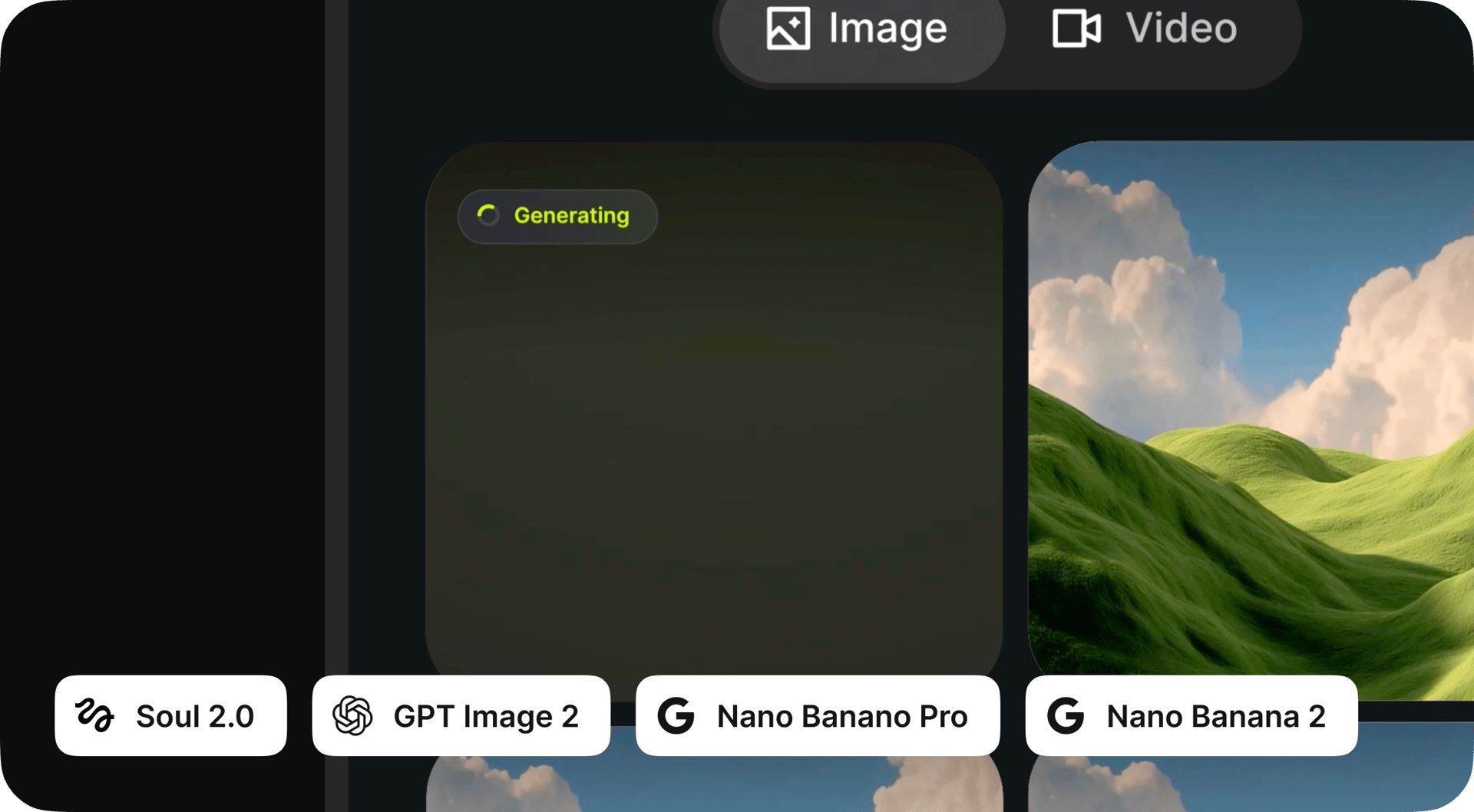
Create any visual with natural language. Build backgrounds, overlays, title cards, or scene elements - just describe what you want and Higgsfield drops the result straight into your DaVinci Resolve workflow
Crop any clip to 9:16, 16:9, 4:3, 3:4, 21:9, or 1:1 with one click. Smart subject tracking keeps the focal point perfectly centered as the aspect ratio changes - no manual reframing, no awkward crops
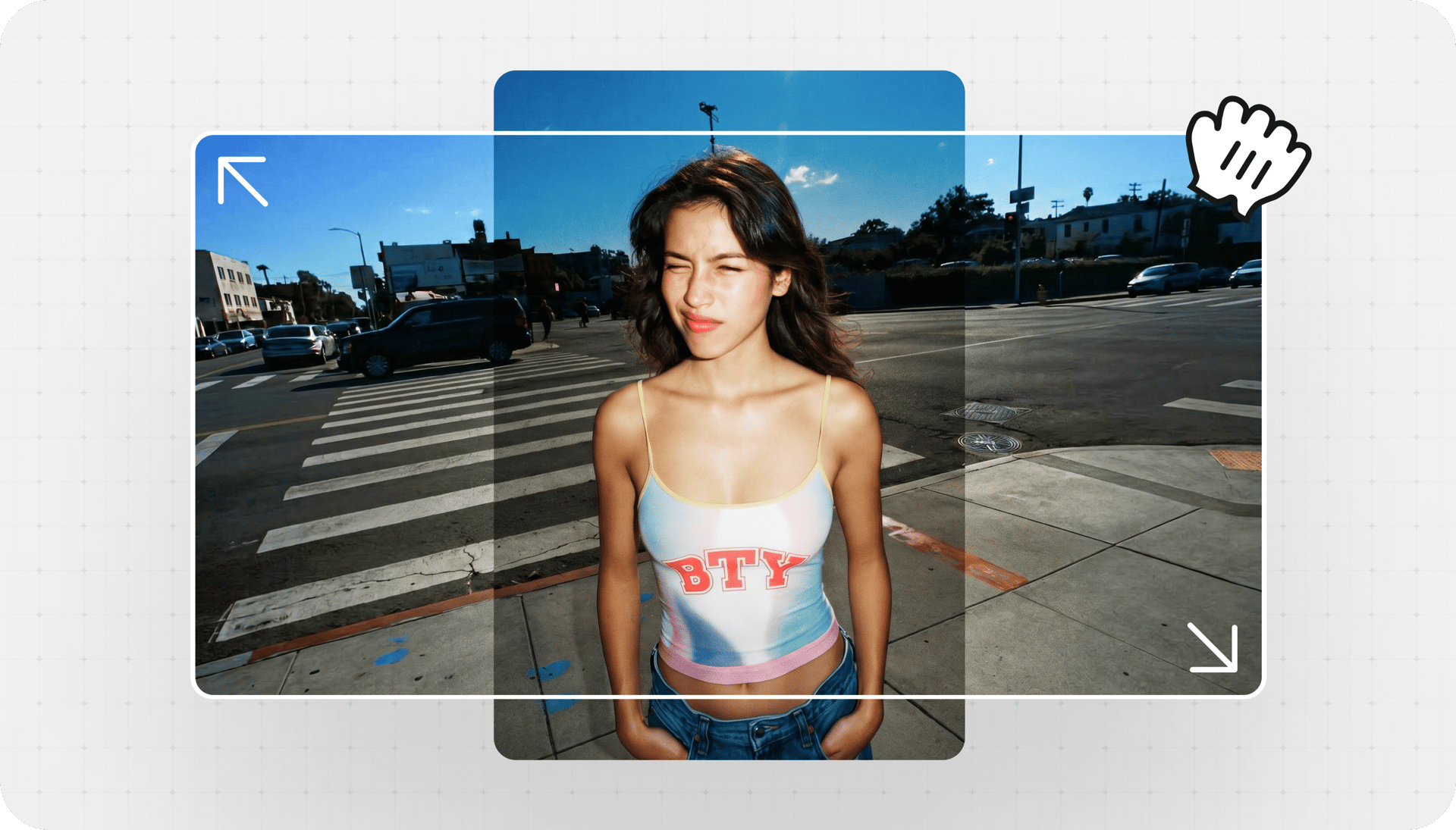
Crop any clip to 9:16, 16:9, 4:3, 3:4, 21:9, or 1:1 with one click. Smart subject tracking keeps the focal point perfectly centered as the aspect ratio changes - no manual reframing, no awkward crops
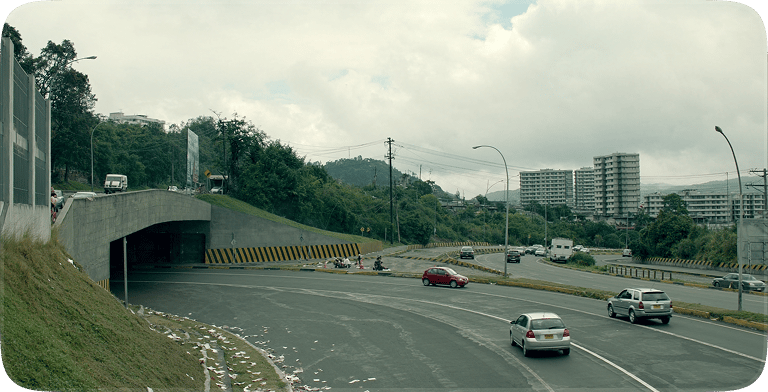
Pull a clean key from any footage without a green screen. AI detects subjects with pixel-level precision - sharp edges, soft hair detail, and a pure alpha channel ready to drop into any composite
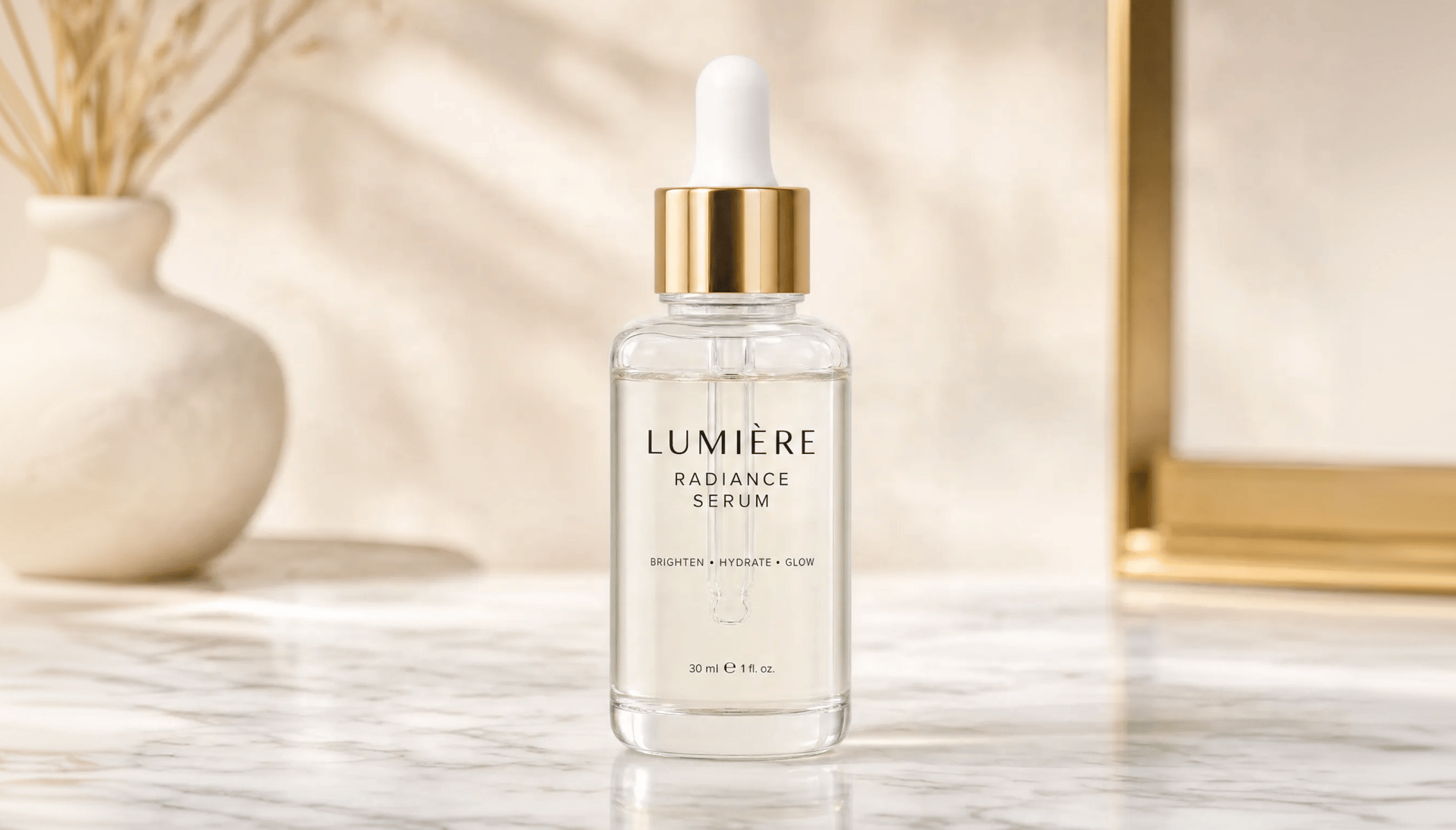
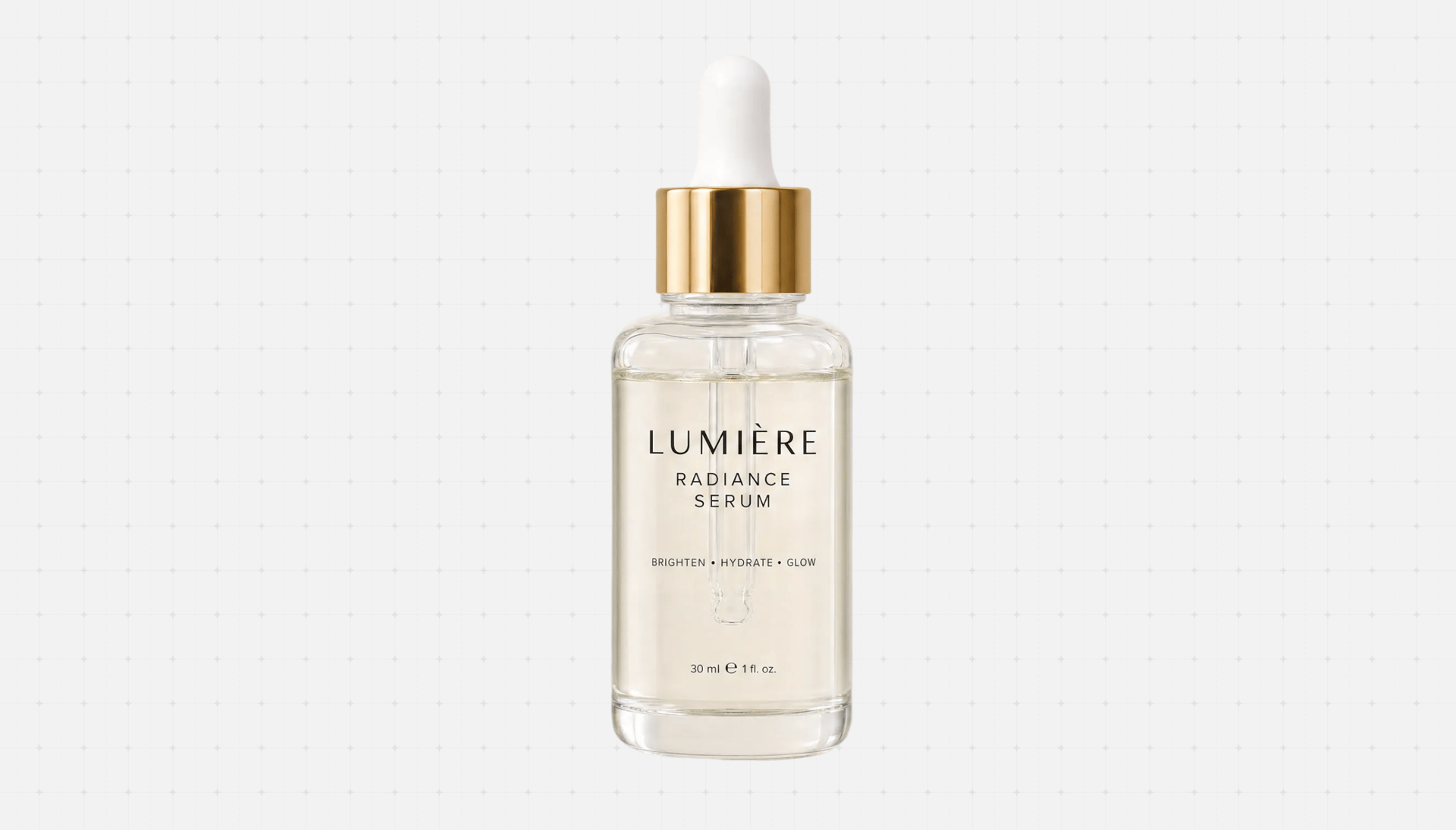
Pull a clean key from any footage without a green screen. AI detects subjects with pixel-level precision - sharp edges, soft hair detail, and a pure alpha channel ready to drop into any composite
Sketch directly on the frame to tell Higgsfield what to change. Remove unwanted objects, add new elements, or replace entire areas with a single brush stroke - inpainting that just works inside DaVinci Resolve
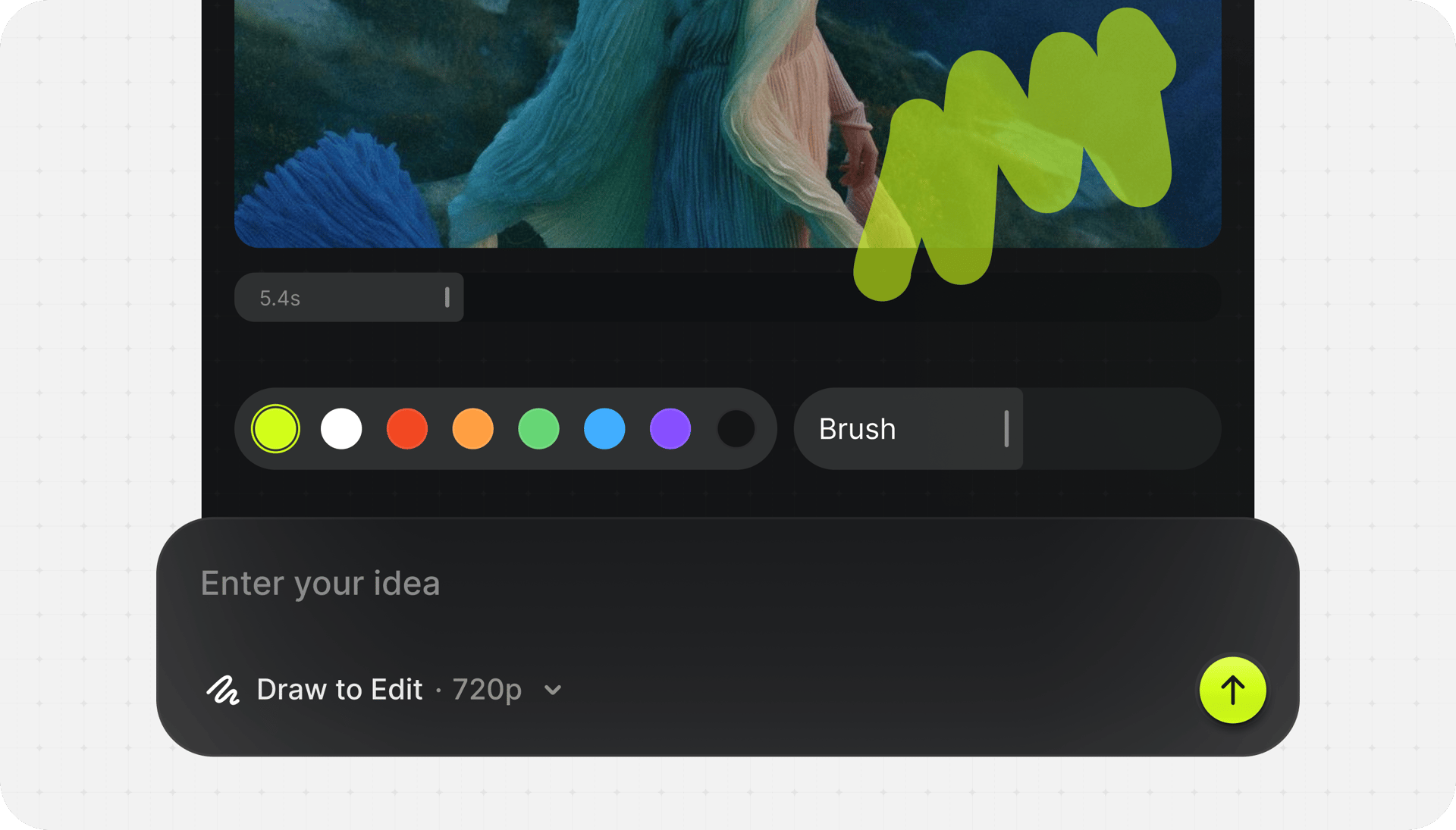
Sketch directly on the frame to tell Higgsfield what to change. Remove unwanted objects, add new elements, or replace entire areas with a single brush stroke - inpainting that just works inside DaVinci Resolve
Boost any clip up to 4K or 8K with real detail recovery, not just pixel stretching. Restore archive footage, salvage low-res sources, and deliver crisp modern quality from yesterday's masters
Boost any clip up to 4K or 8K with real detail recovery, not just pixel stretching. Restore archive footage, salvage low-res sources, and deliver crisp modern quality from yesterday's masters

Genre: Action

Style: Orange Teal

Camera: Studio Digital S35
gloria fight scene.mp4
Cinematic Studio 3.5. The complete AI production studio. Shape every shot with precise control over camera, lens, and light.
Learn MoreImportant: Not compatible with the App Store version of DaVinci Resolve. Use the version from blackmagicdesign.com instead.
Join a global creative network where people generate AI images, share ideas, and inspire each other every day.

Trusted by 5.000+ people worldwide
We’ve answered the most frequently asked questions